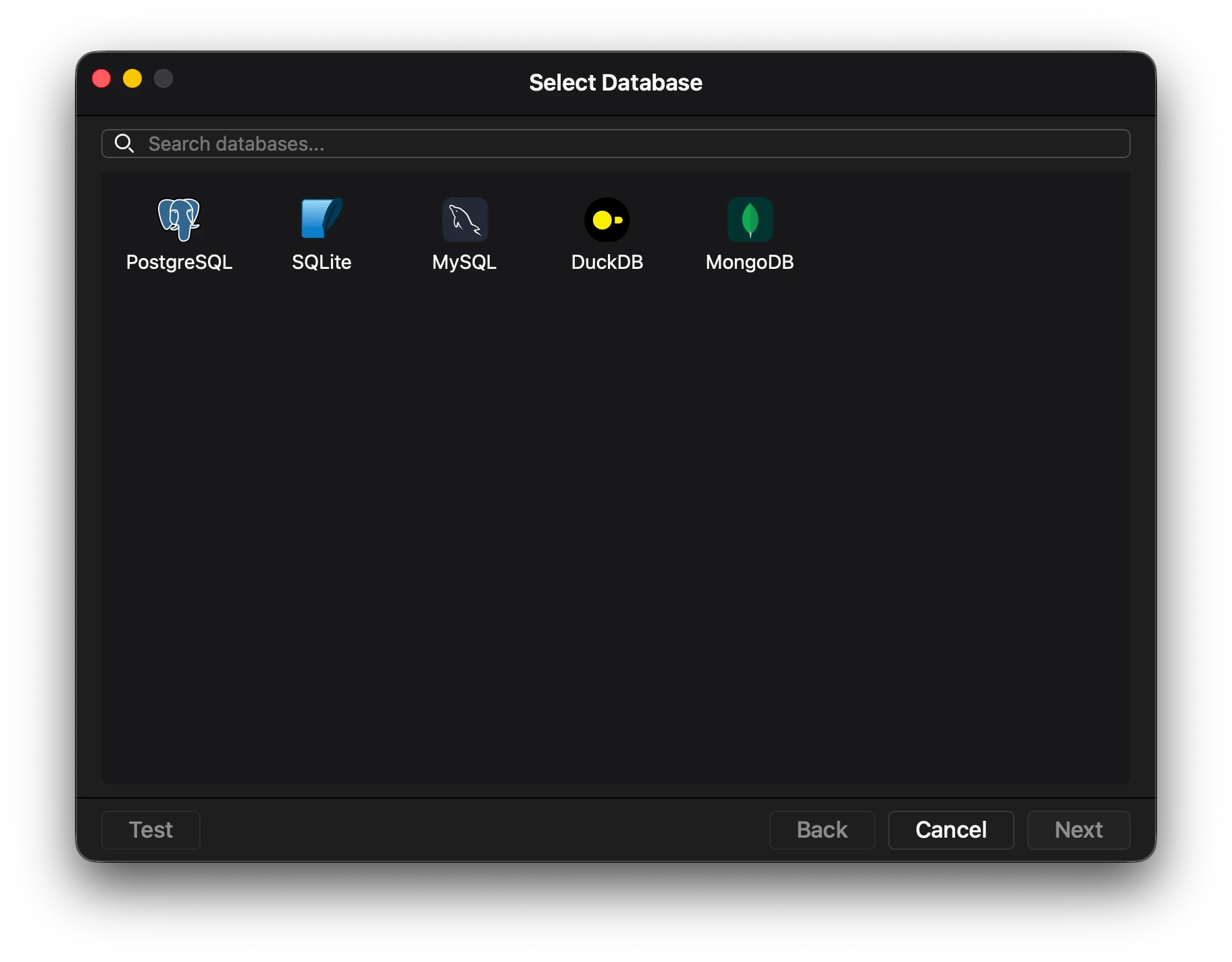
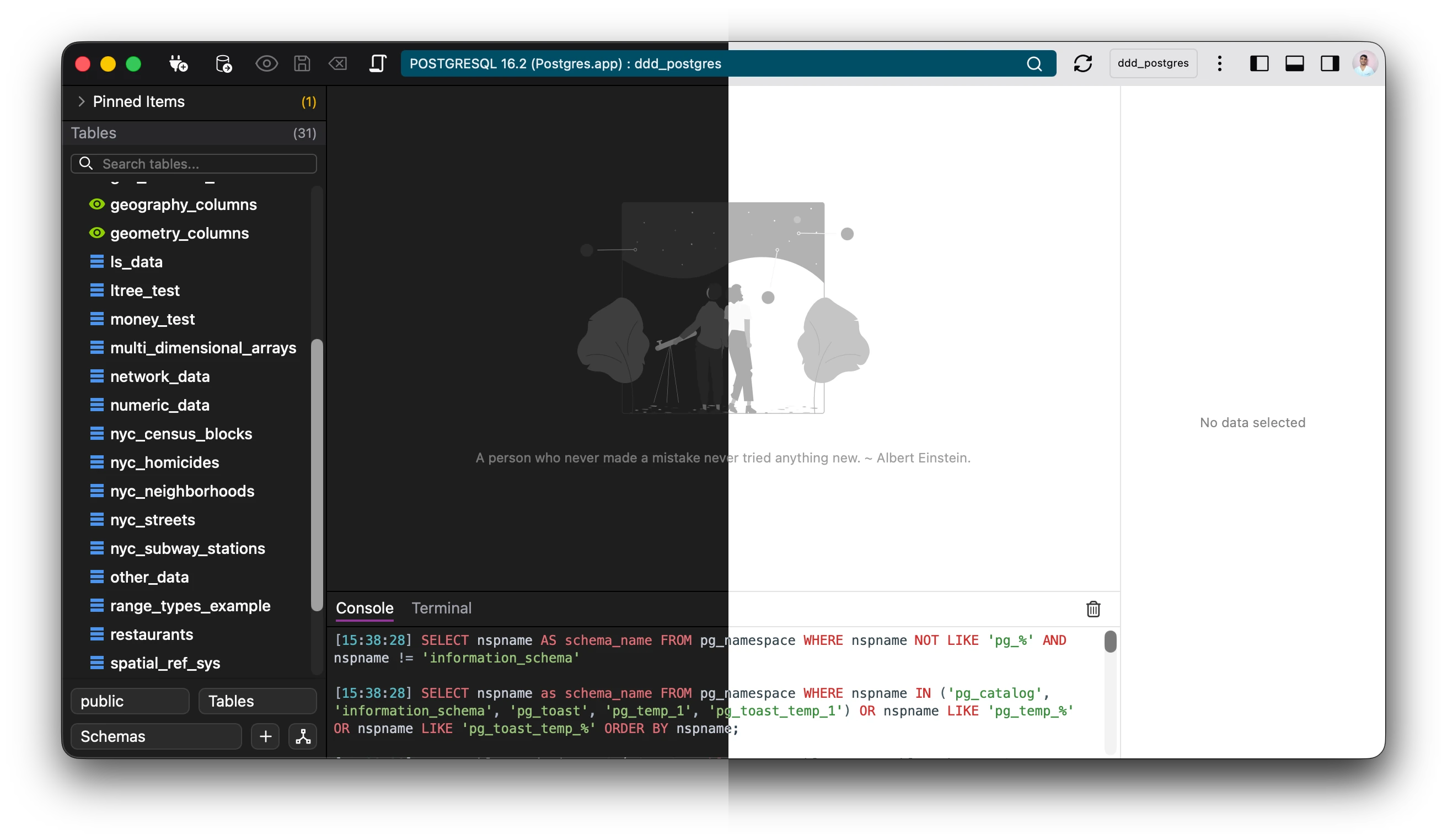
Connect to multiple databases
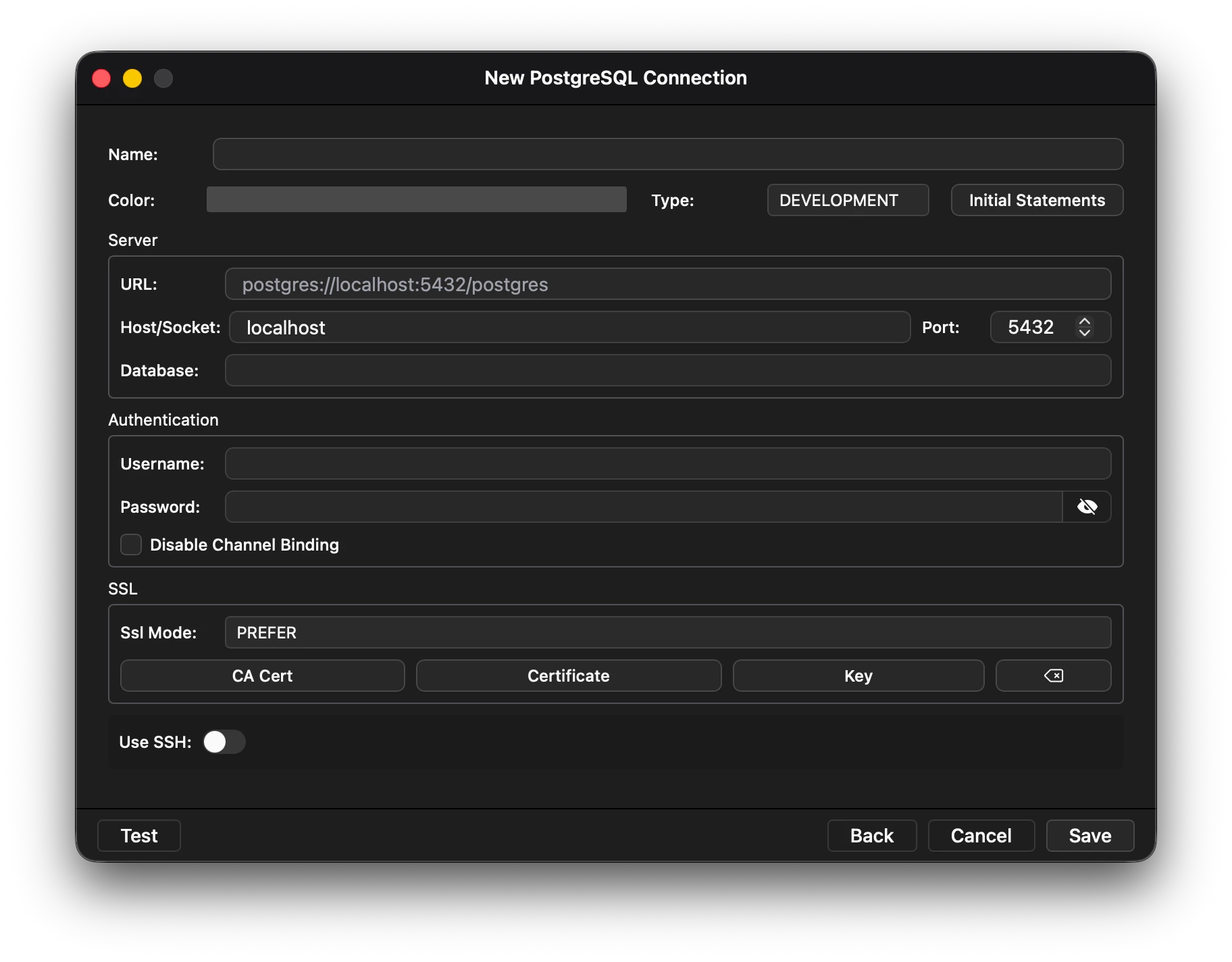
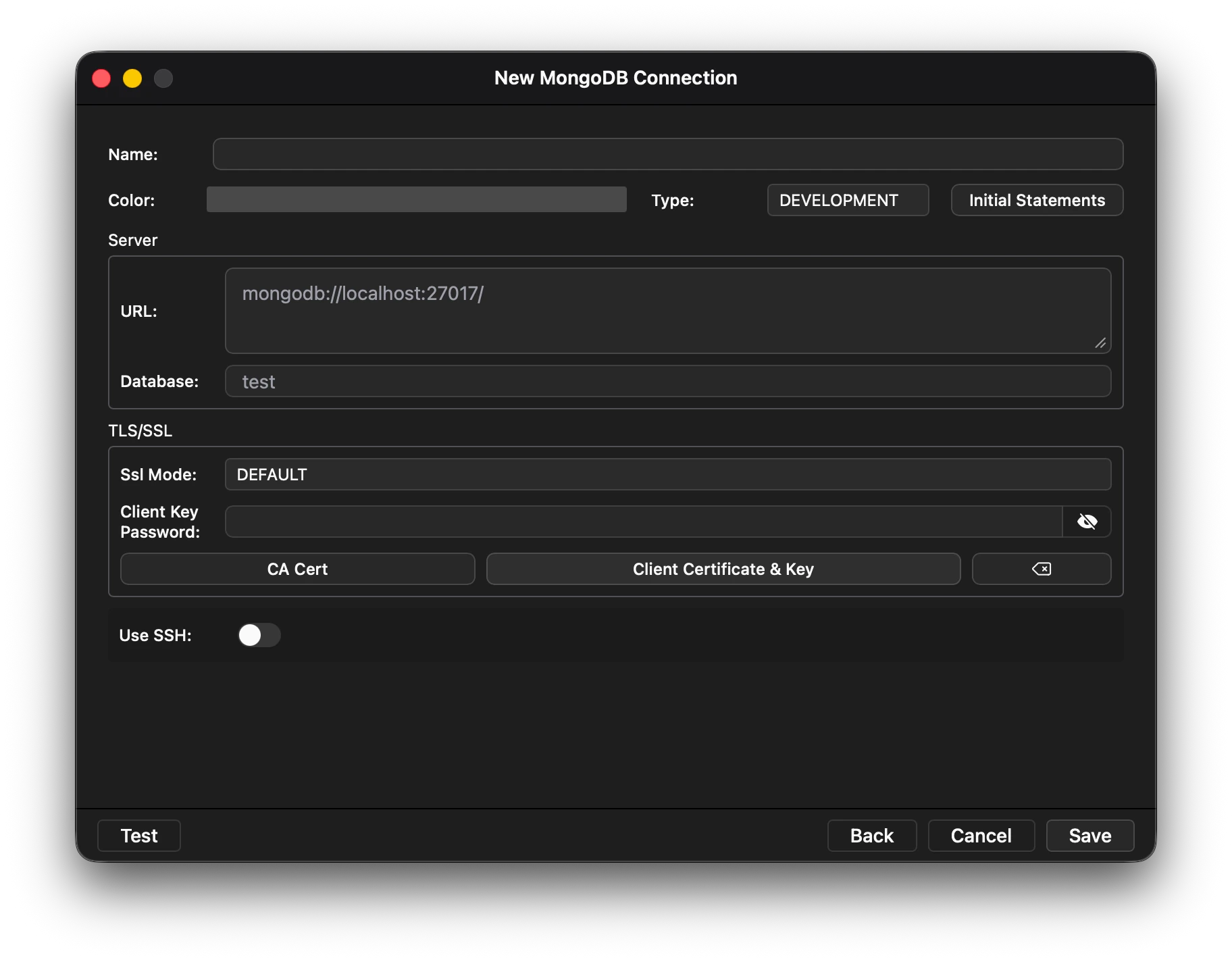
Connect to various databases, from sql to nosql databases.Bootstrap commands on startup. Commands will be executed on startup.Securely connect over SSH and proxy. Intuitive UI
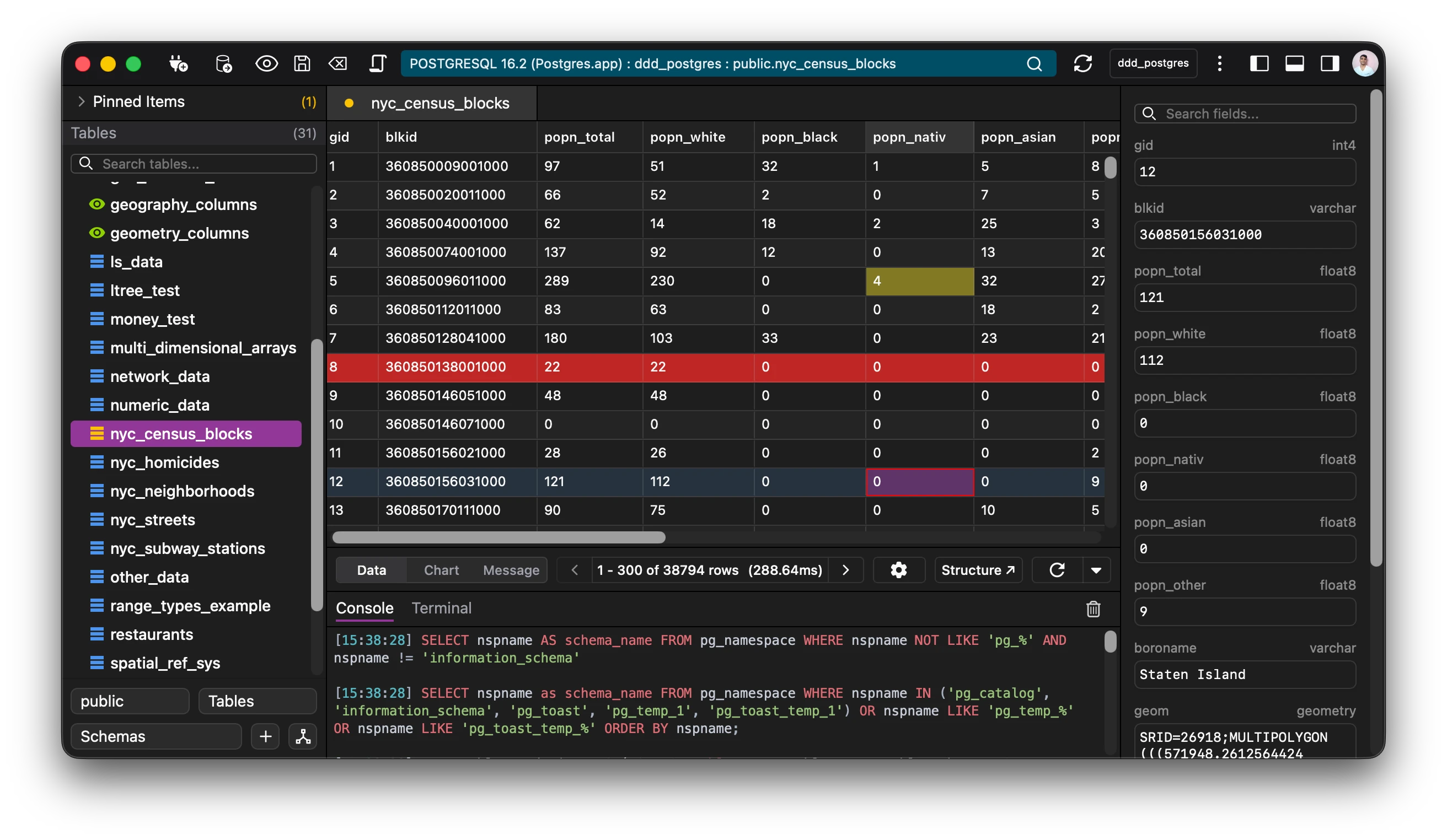
A design that is meant to feel as natural as possible.Use dark and light themes.Multiple languages supported.Remappable keyboard shortcuts. Secure by default
All connection are encrypted and stored.Passwords and keys are stored in the native OS system secure storage.Security is opt out, meaning it will be encrypted by default unless specified. A nimble dataviewer
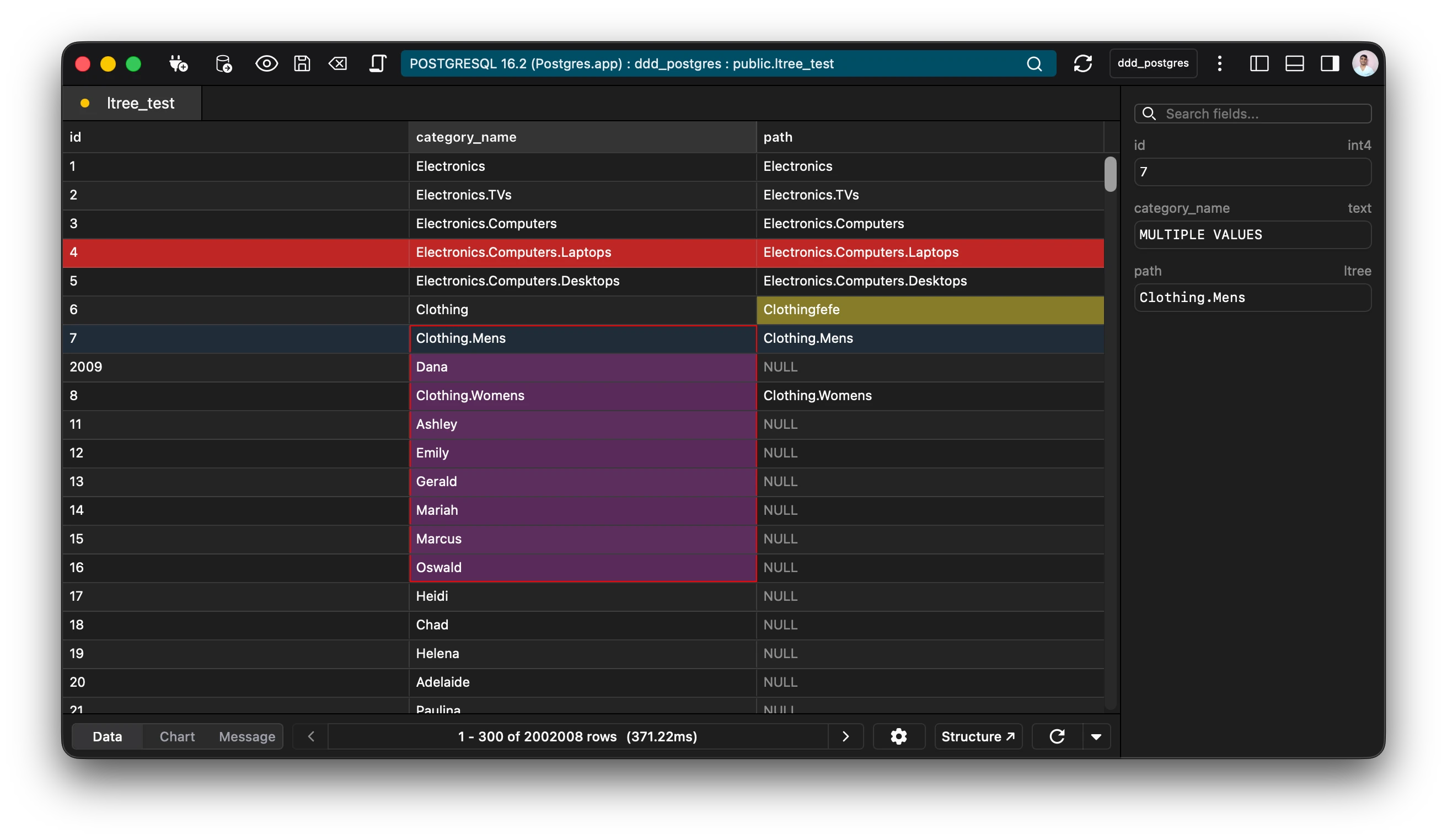
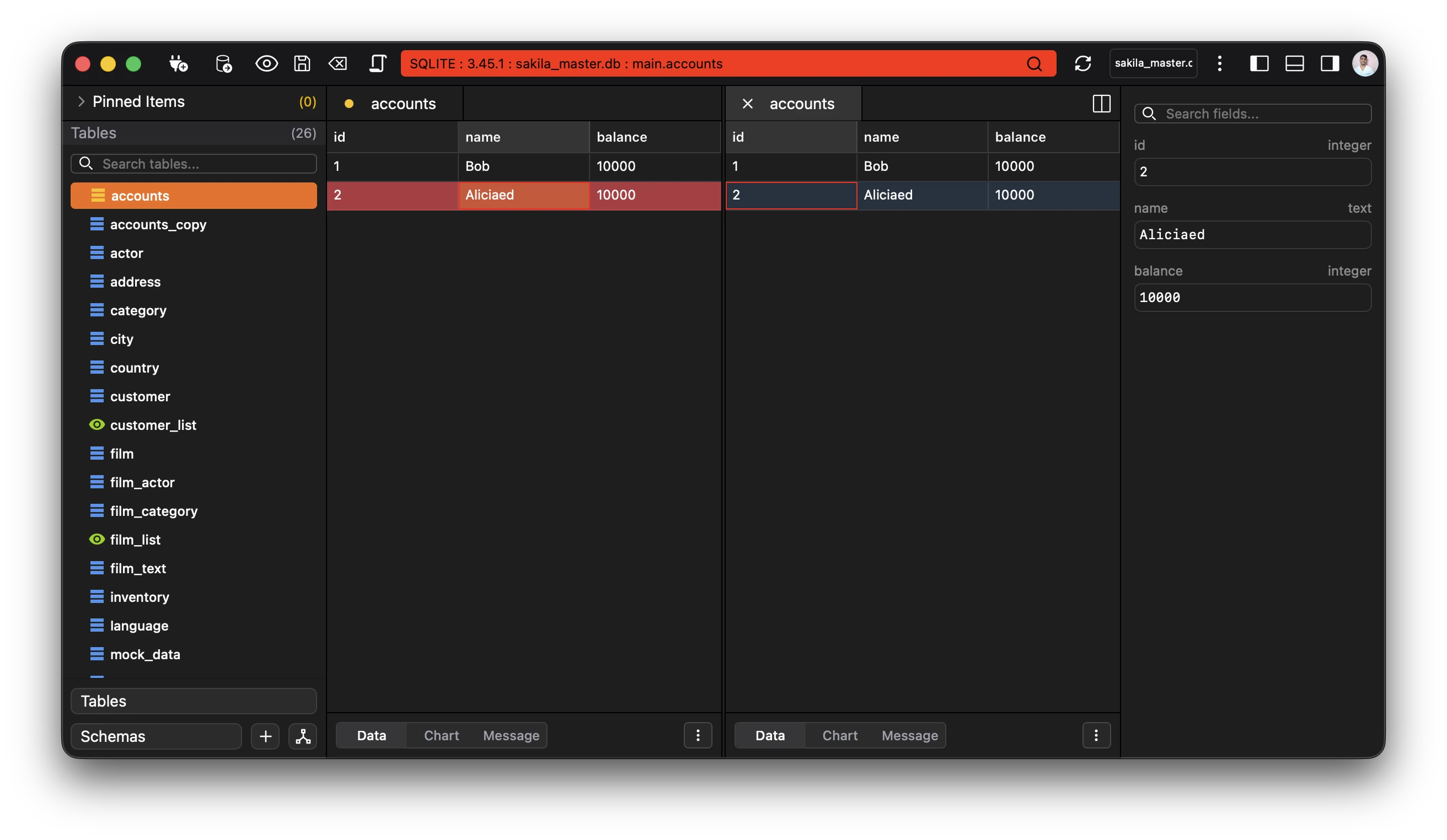
Edit your data in a spreadsheet like interface.Preview large data, images, and pdfs.Inline editing with history support. Undo, Redo, Delete and Add. Tables editing made natural.Use custom filters, raw statements to sort through your data.Import and export your results, in csv, json and sql.Navigate via foreign keys and relations.Autorefresh data in intervals. Editor
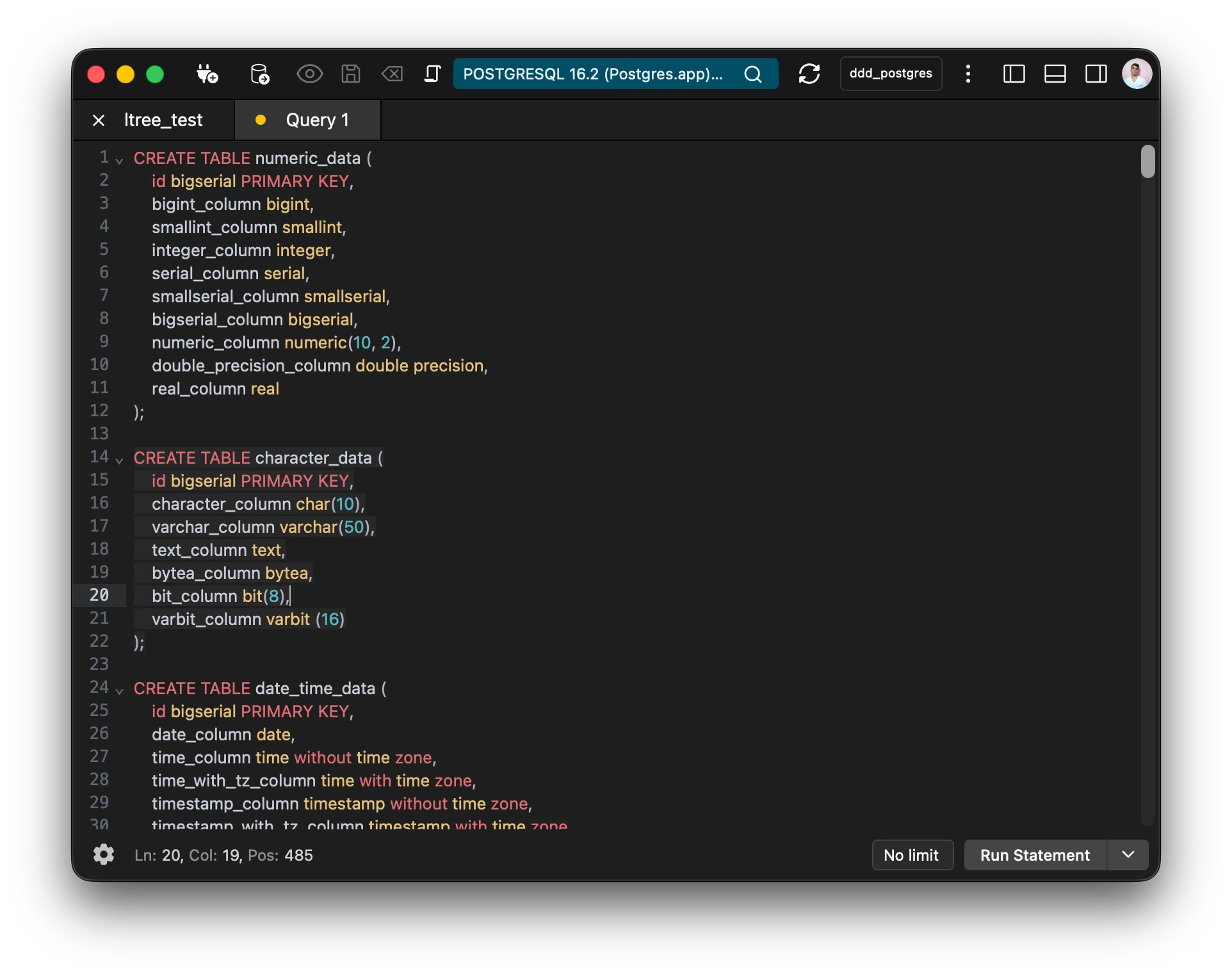
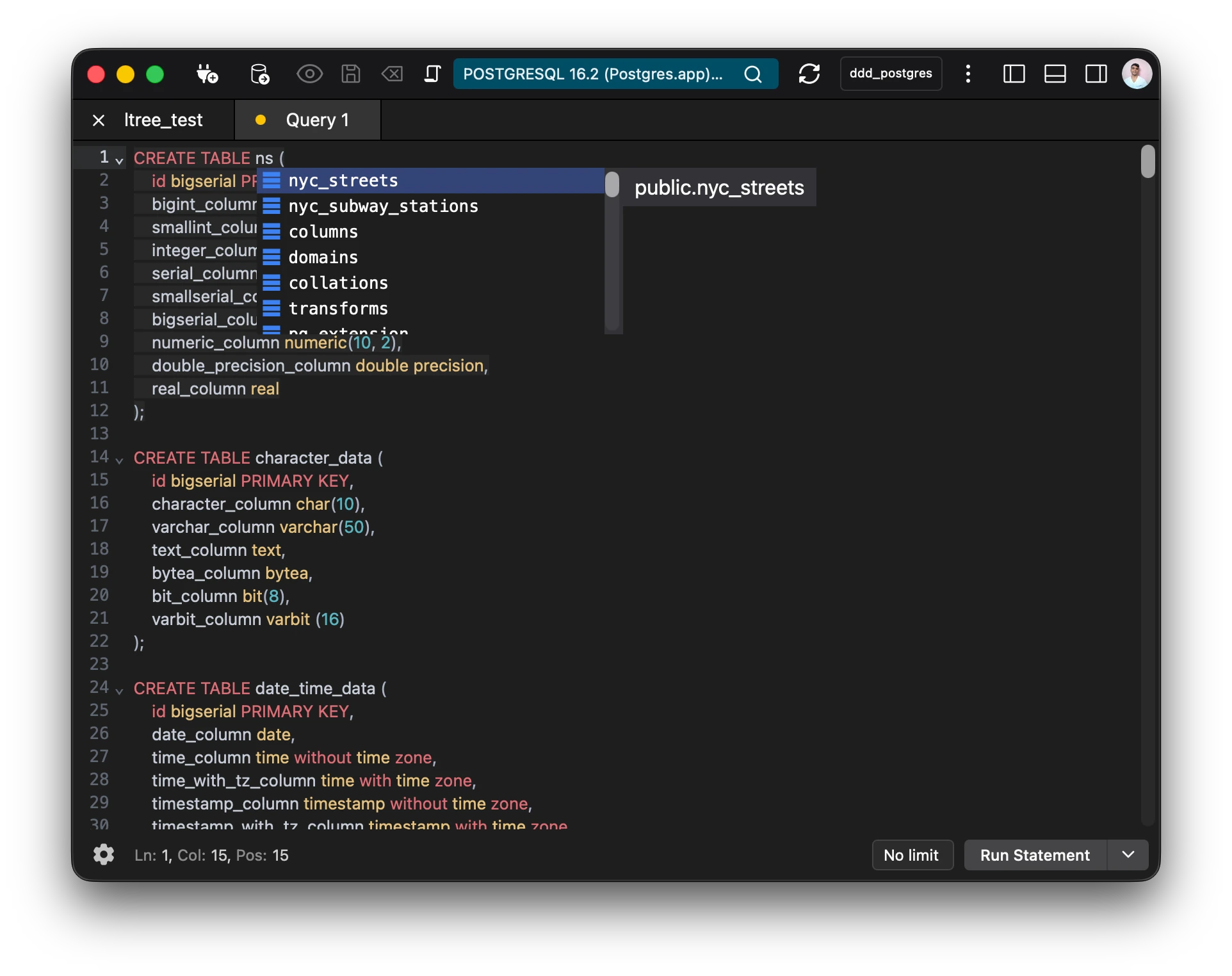
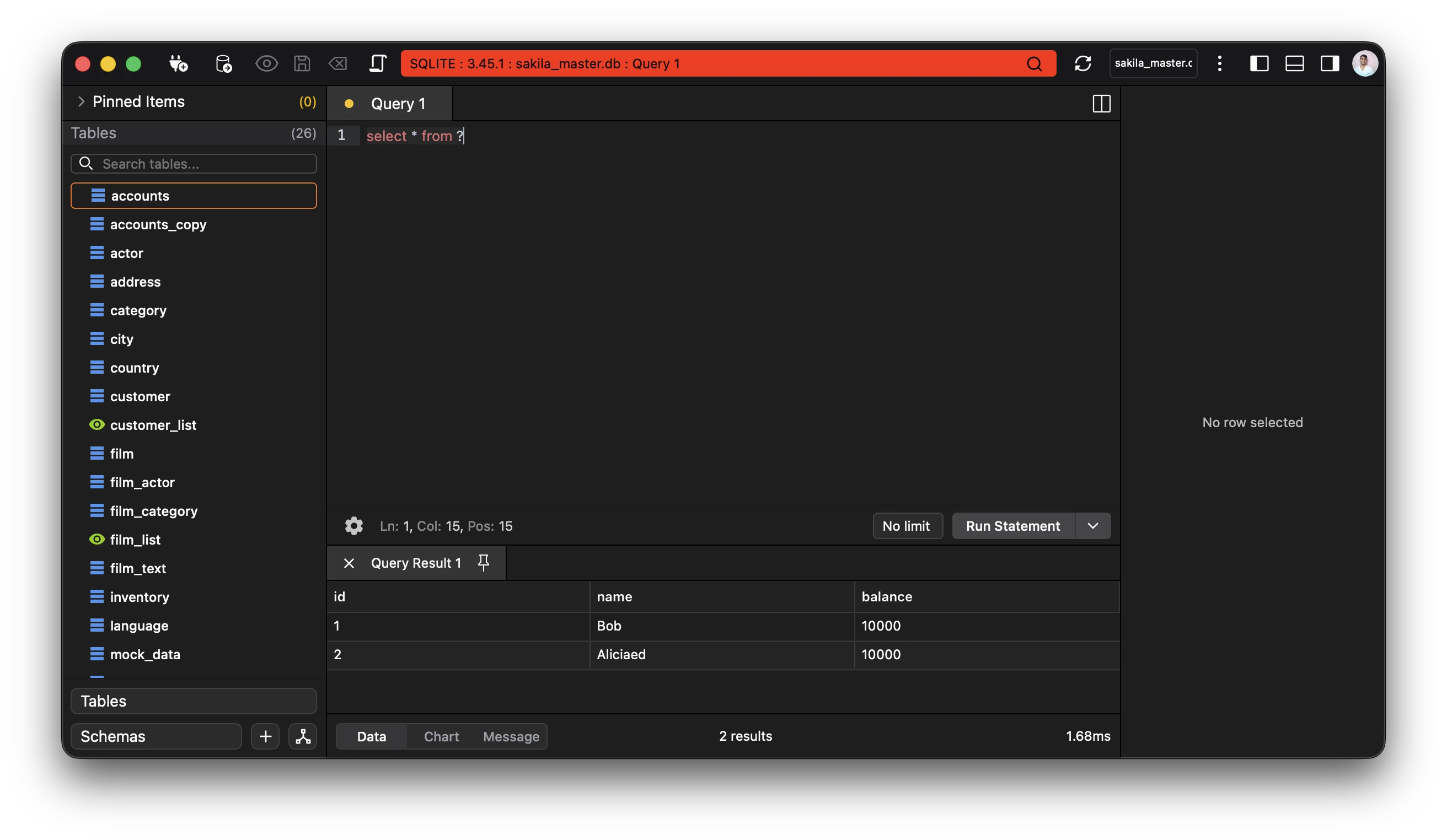
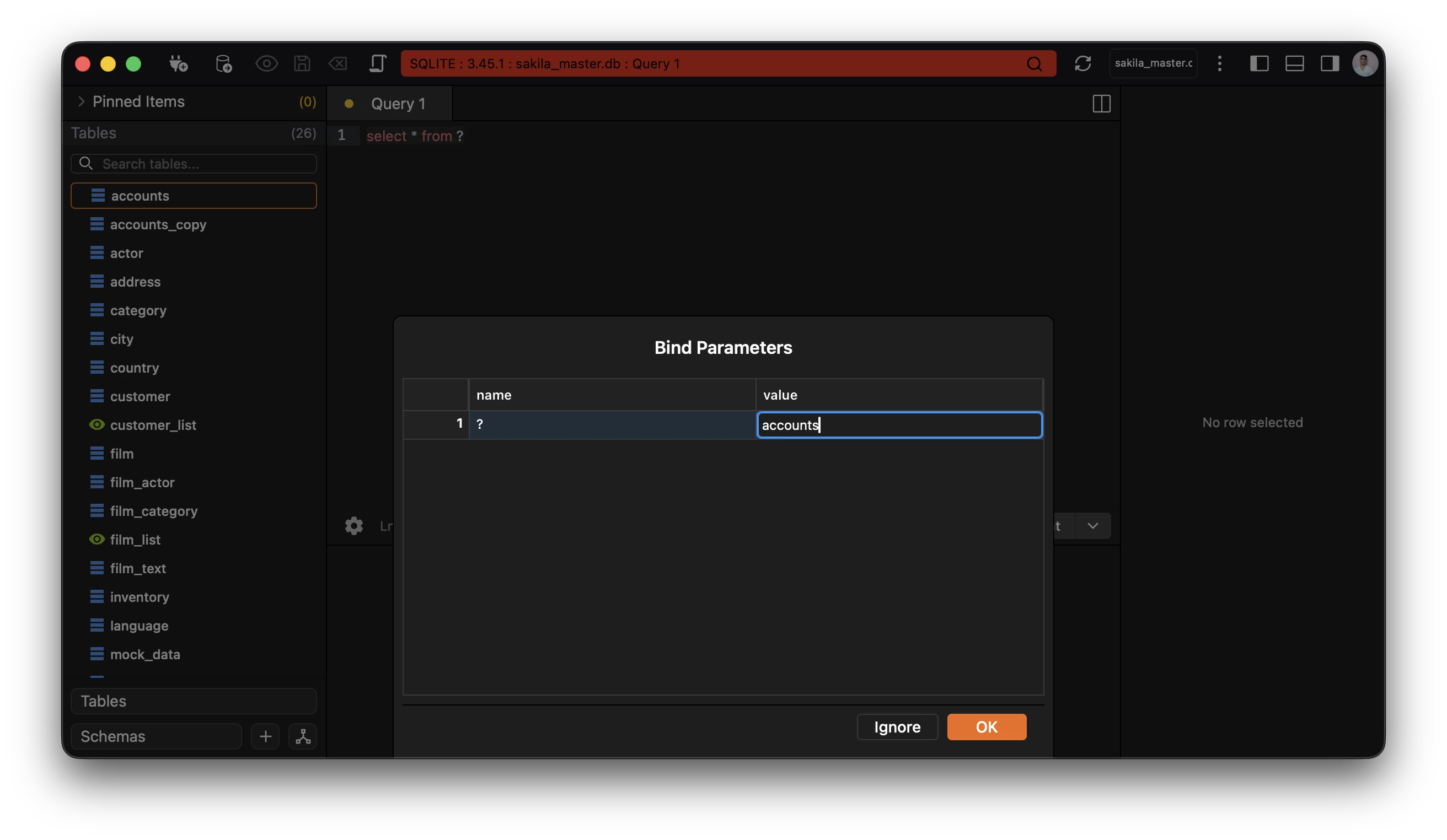
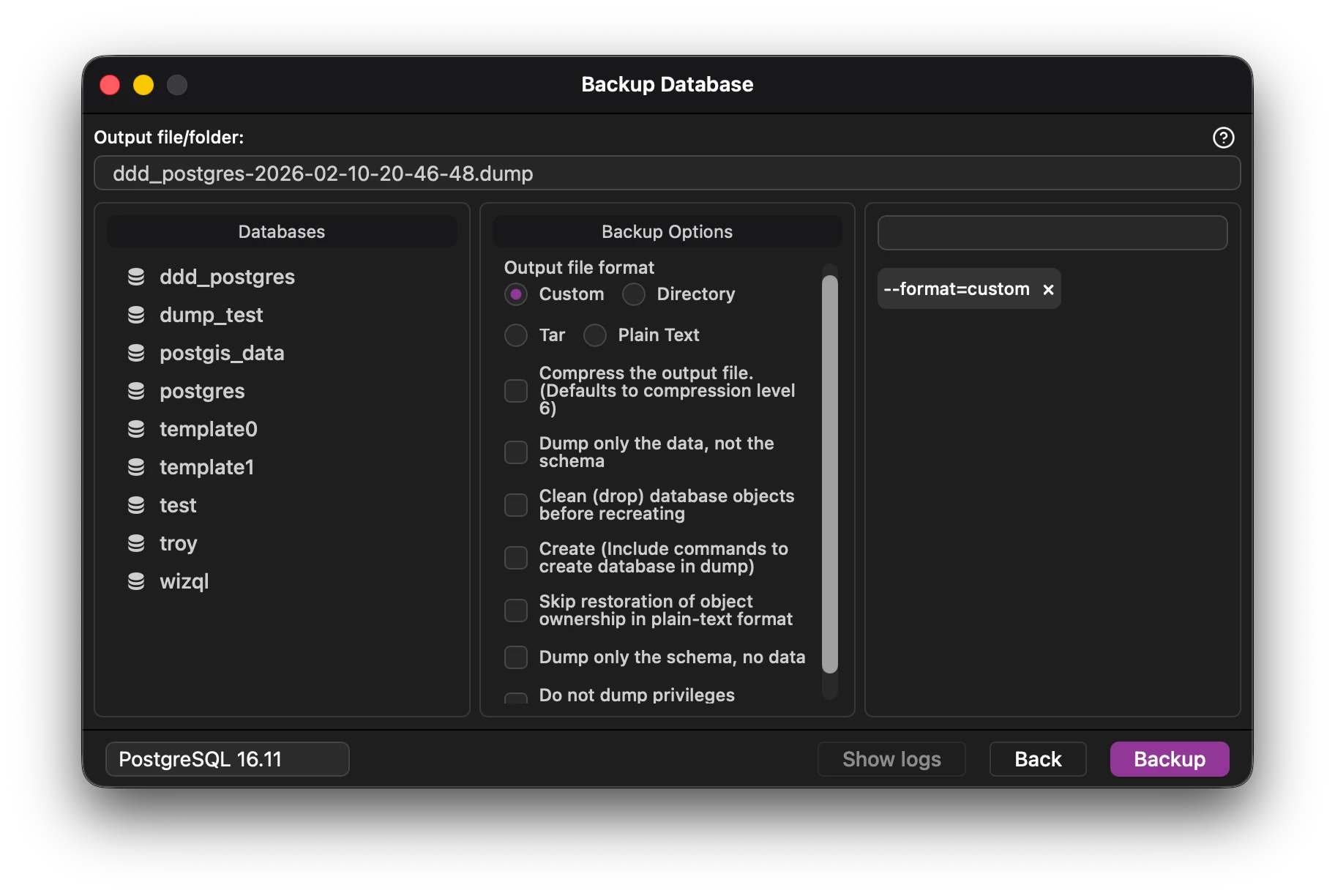
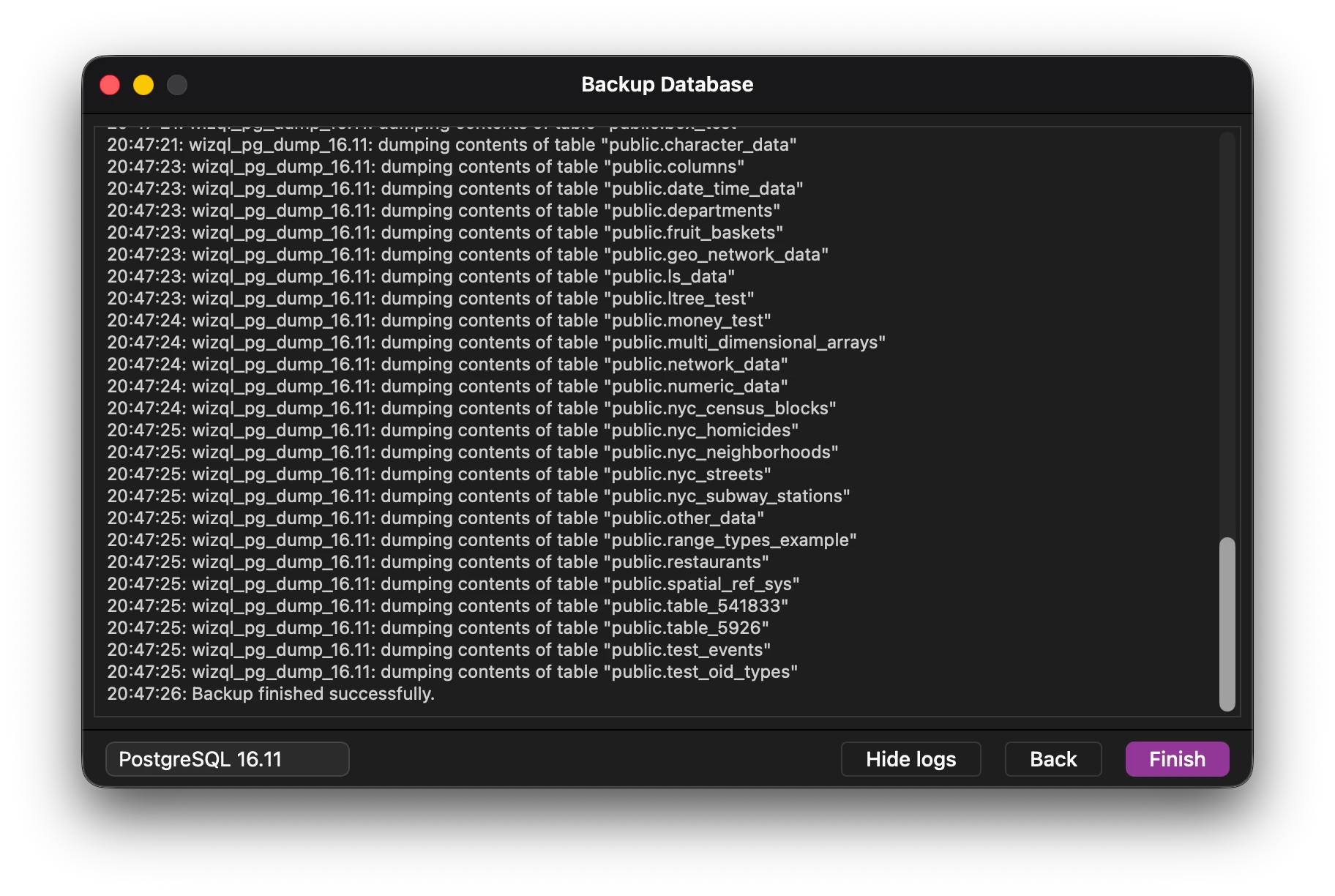
Autocompletions based on workspace.Beautify your data.Save and format your statements.Syntax highlighting and context aware predictions.Supports multiple languages.Split TabsParams Substitution Backup, Restore and Transfer Databases
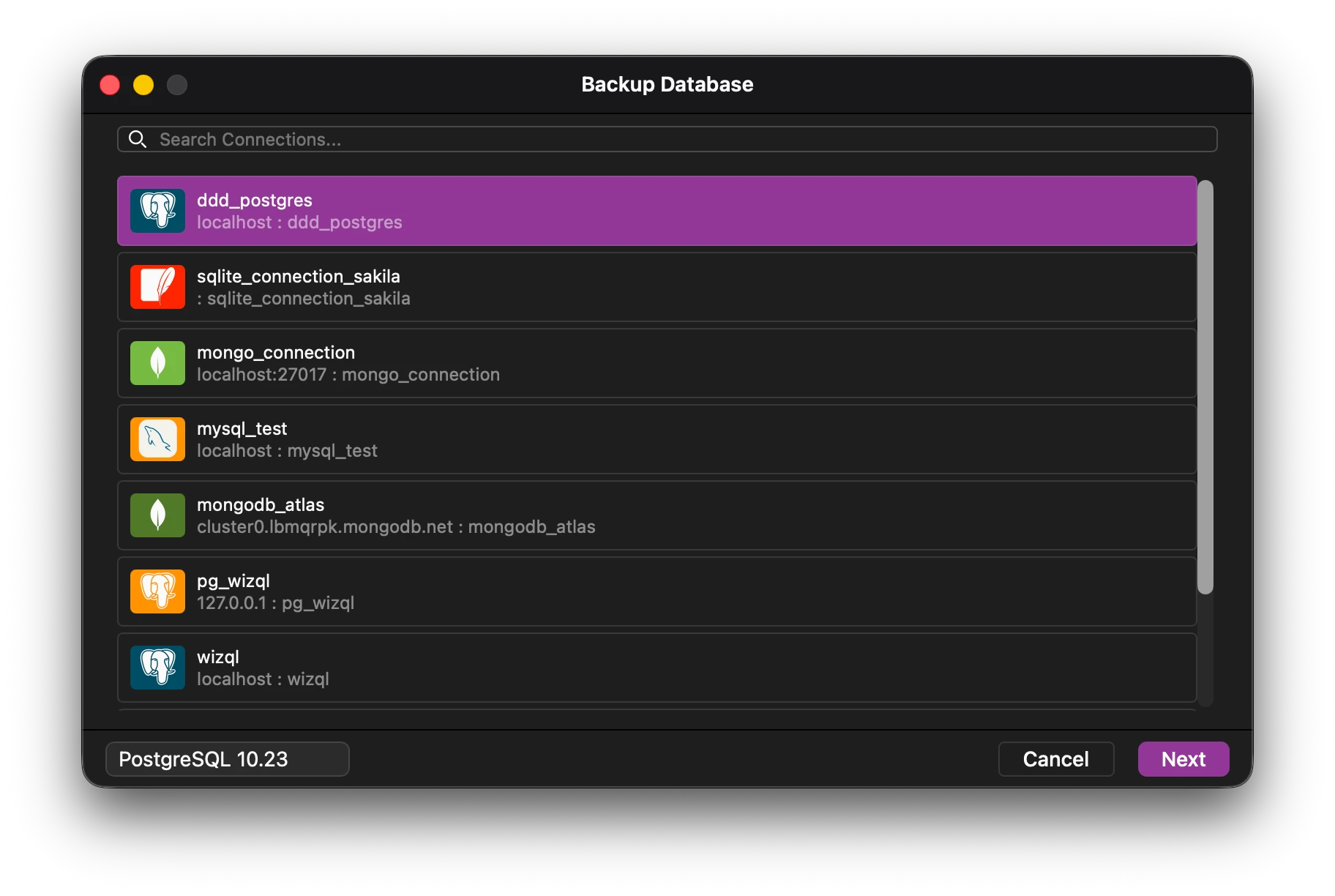
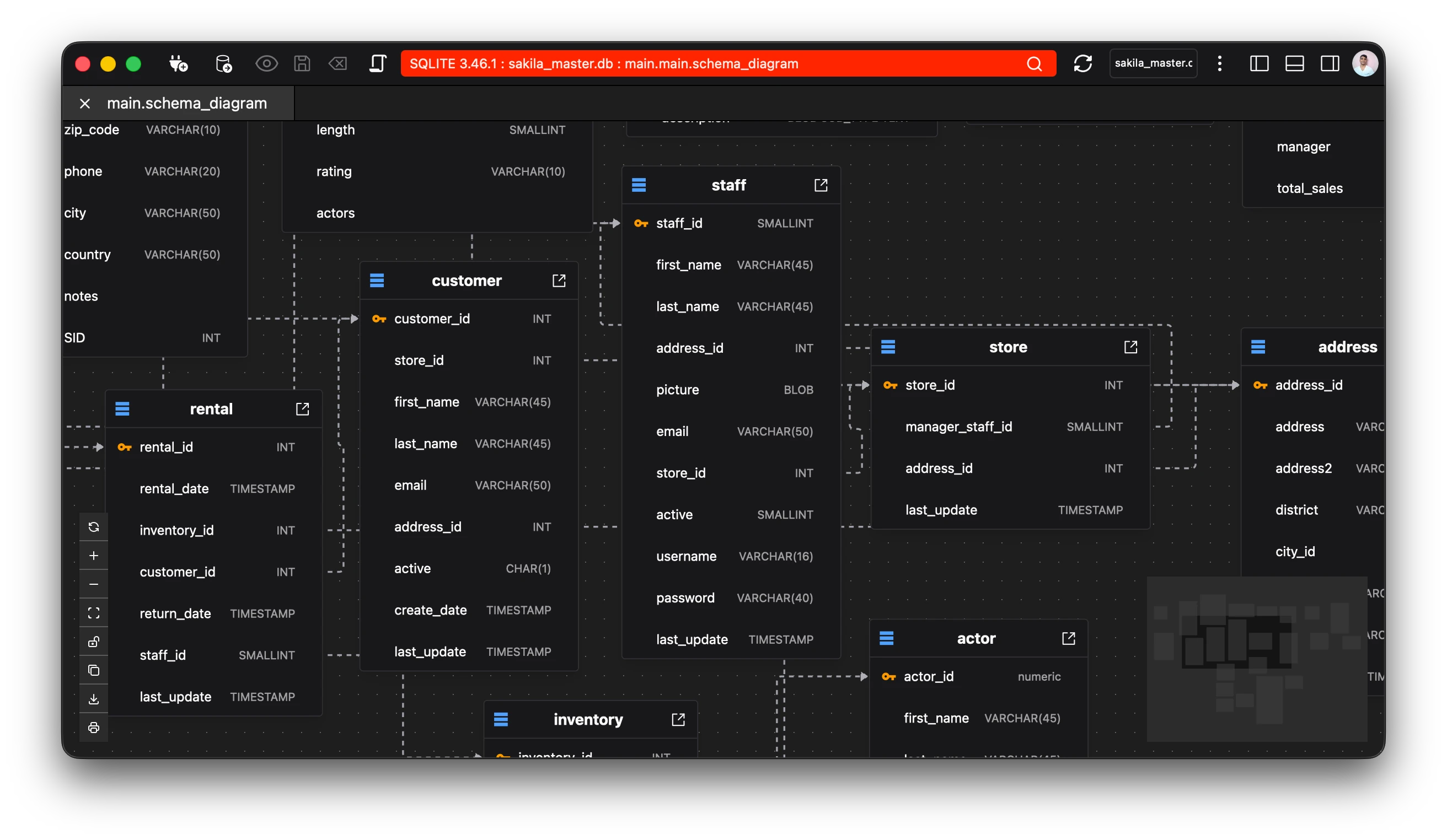
Backup and Restore databases using the native tooling.Supports all of the options by the native tools.Transfer between databases directly. Columns and schemas are mapped intelligently according to their respective types. Entity Relationship Diagram
Visualise your data in a structured manner.Clear definition via pointers.Export diagram as image, via clipboard, download and print. First class extension support
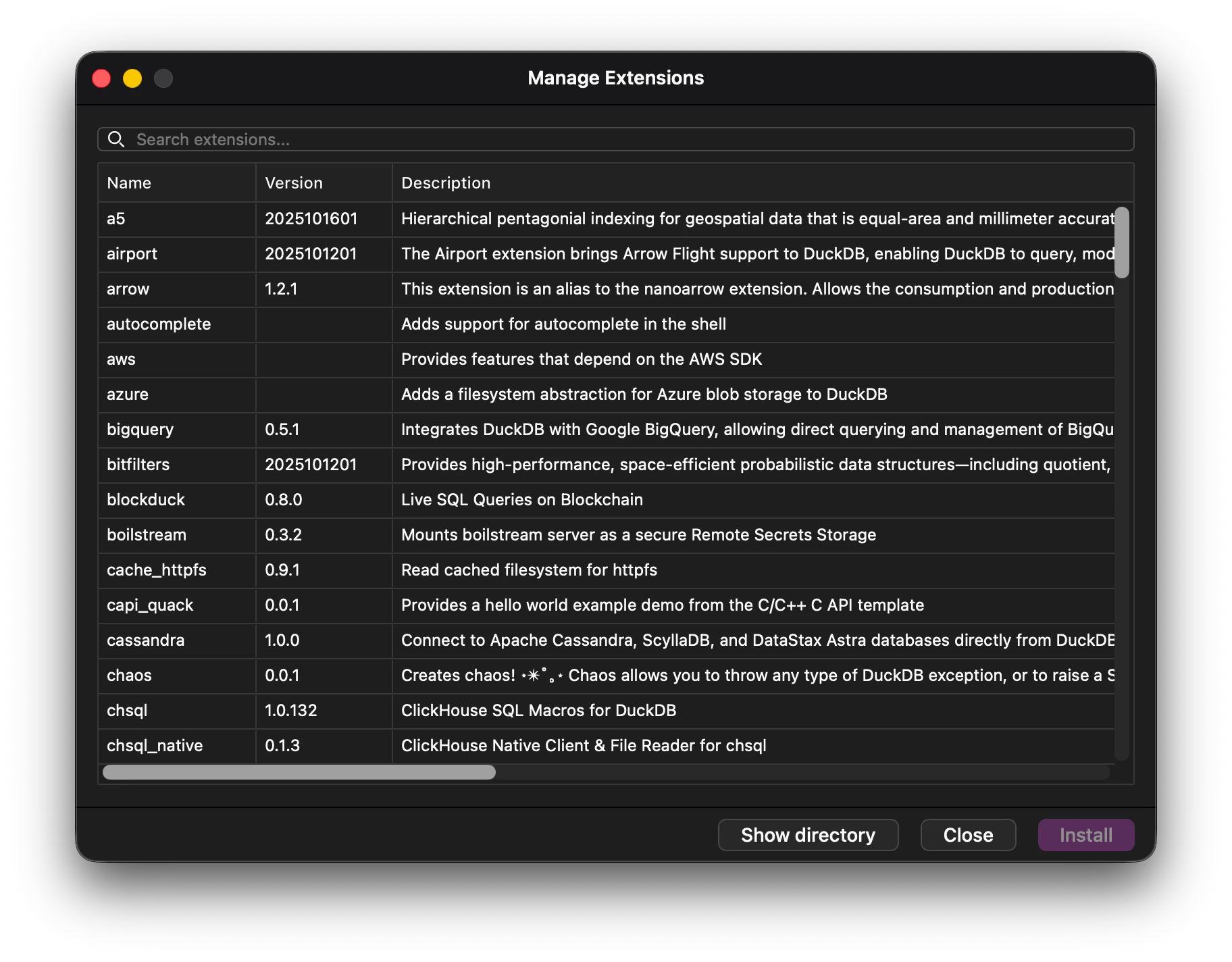
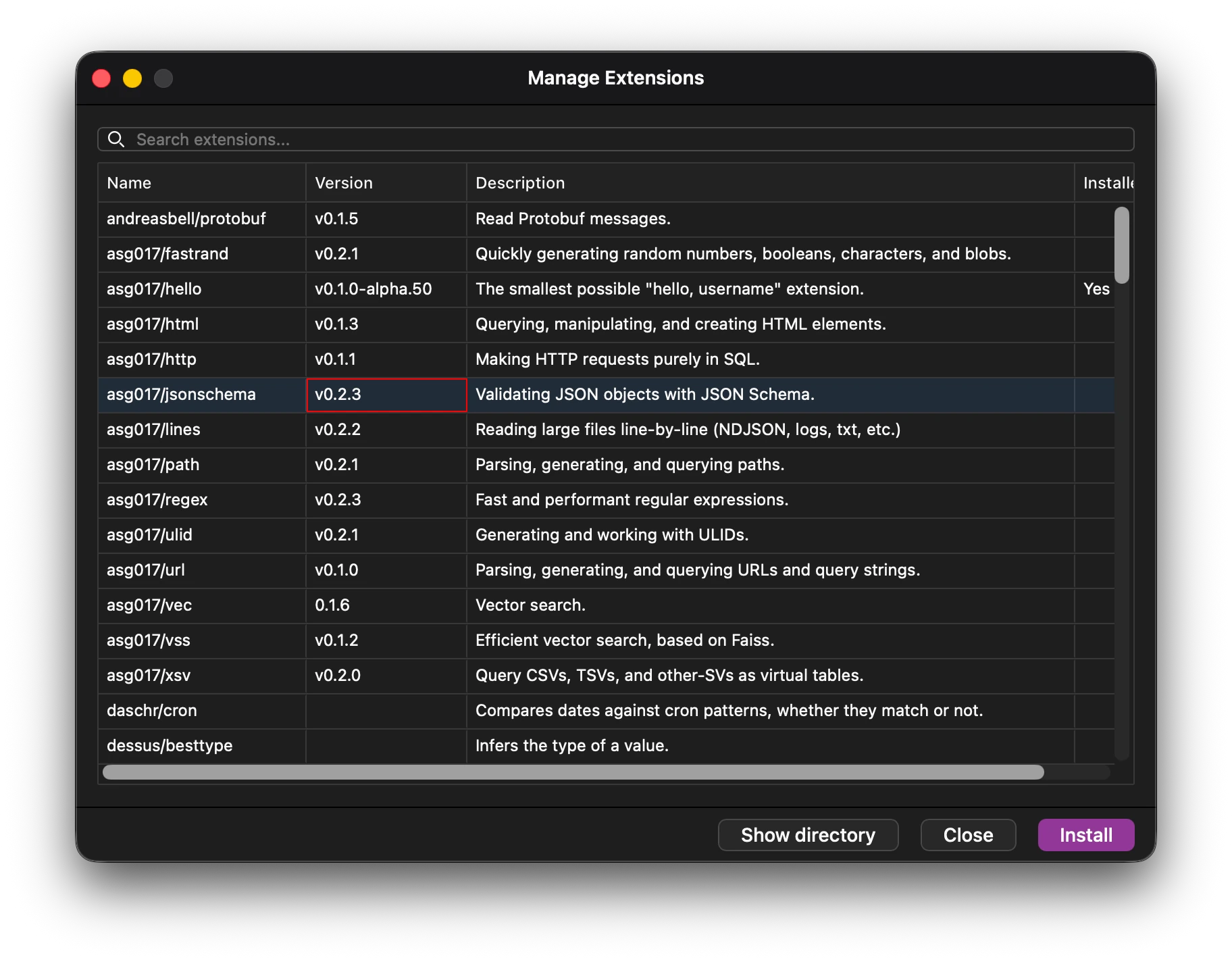
Native extensions support for SQLite and DuckDB.Extensions use the community sources for sourcing popular extensions. Database admin tools
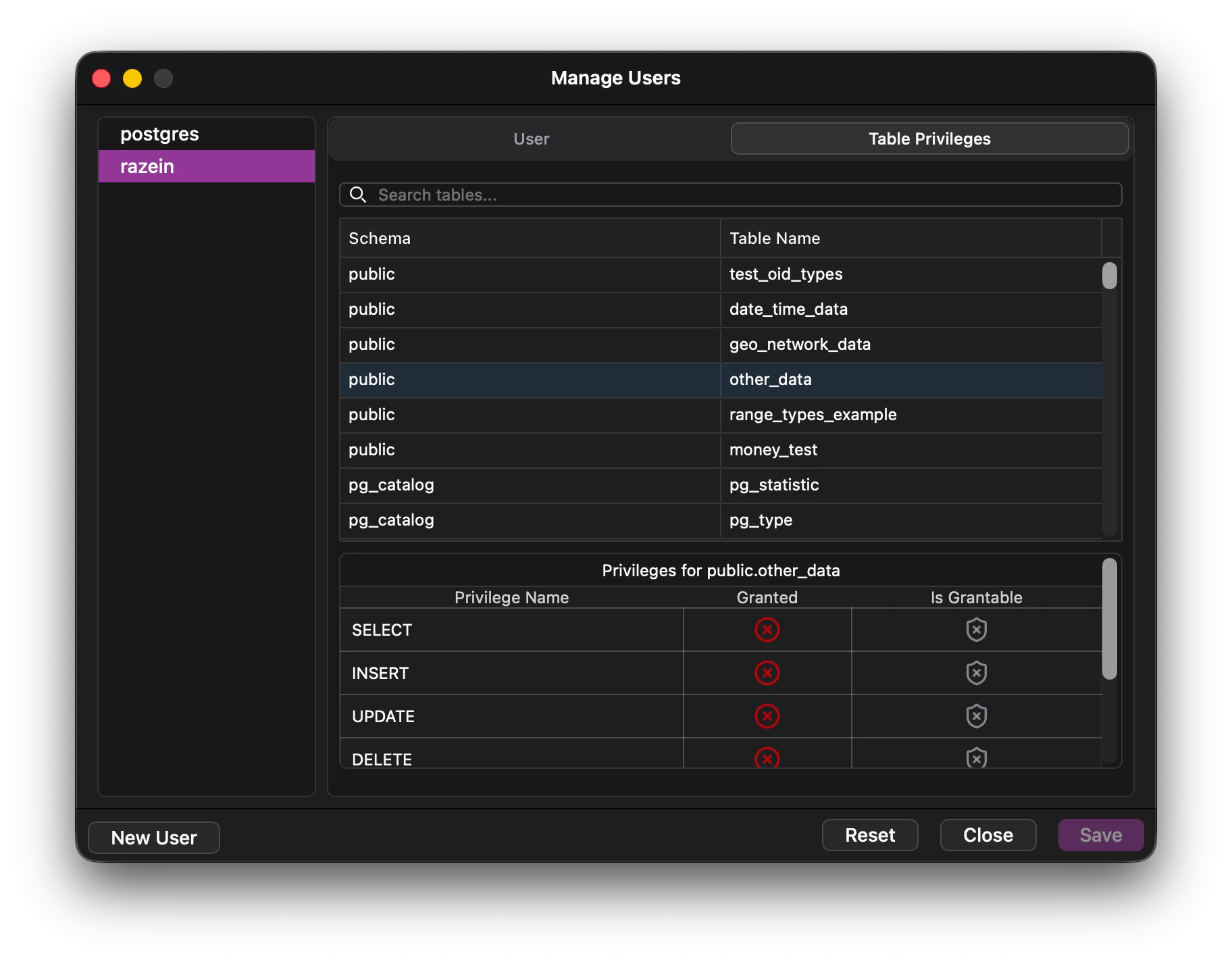
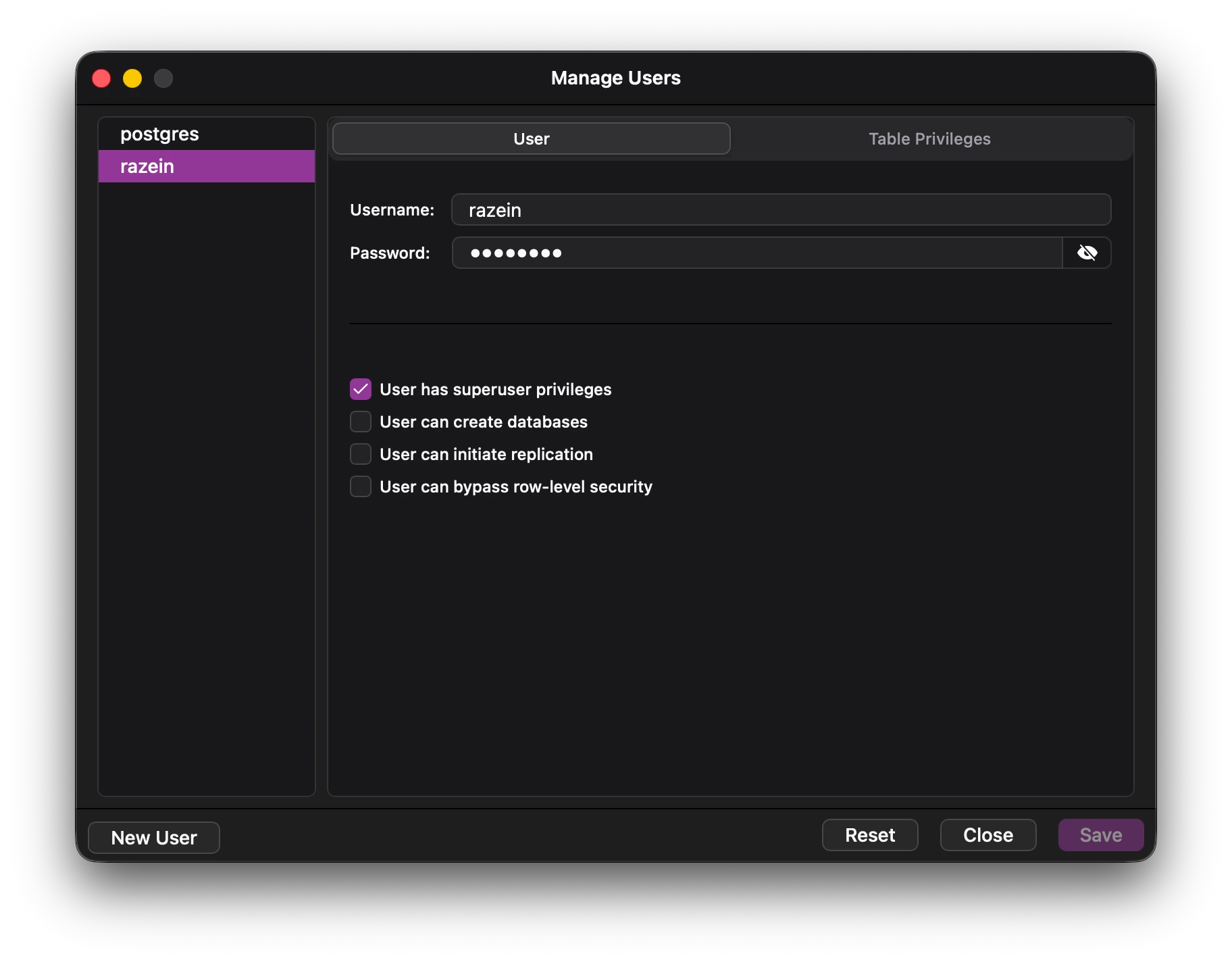
Manage users and permissions easily with a clean interface.Grant and revoke row level permissions.Mange user privileges. API Relay
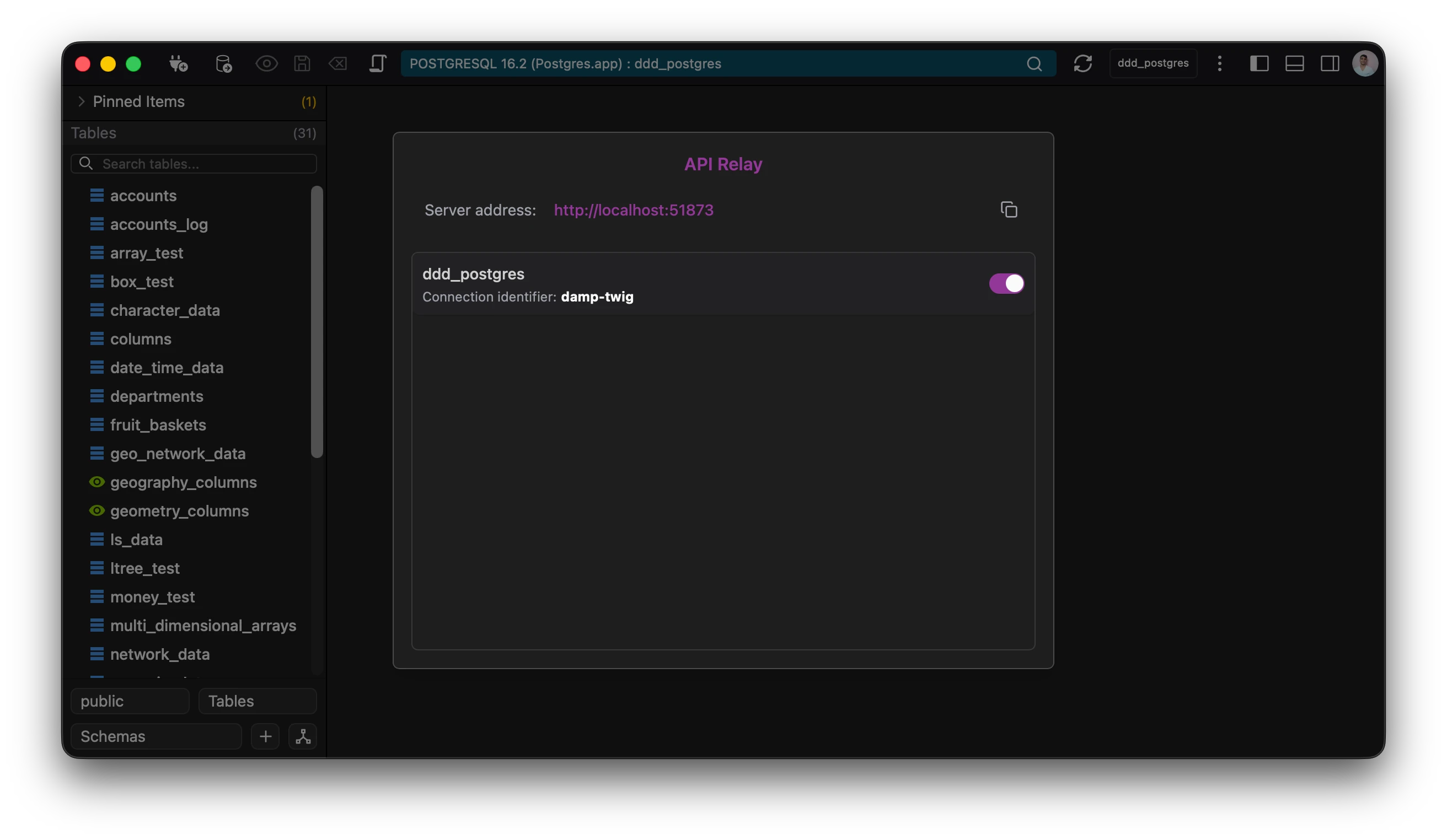
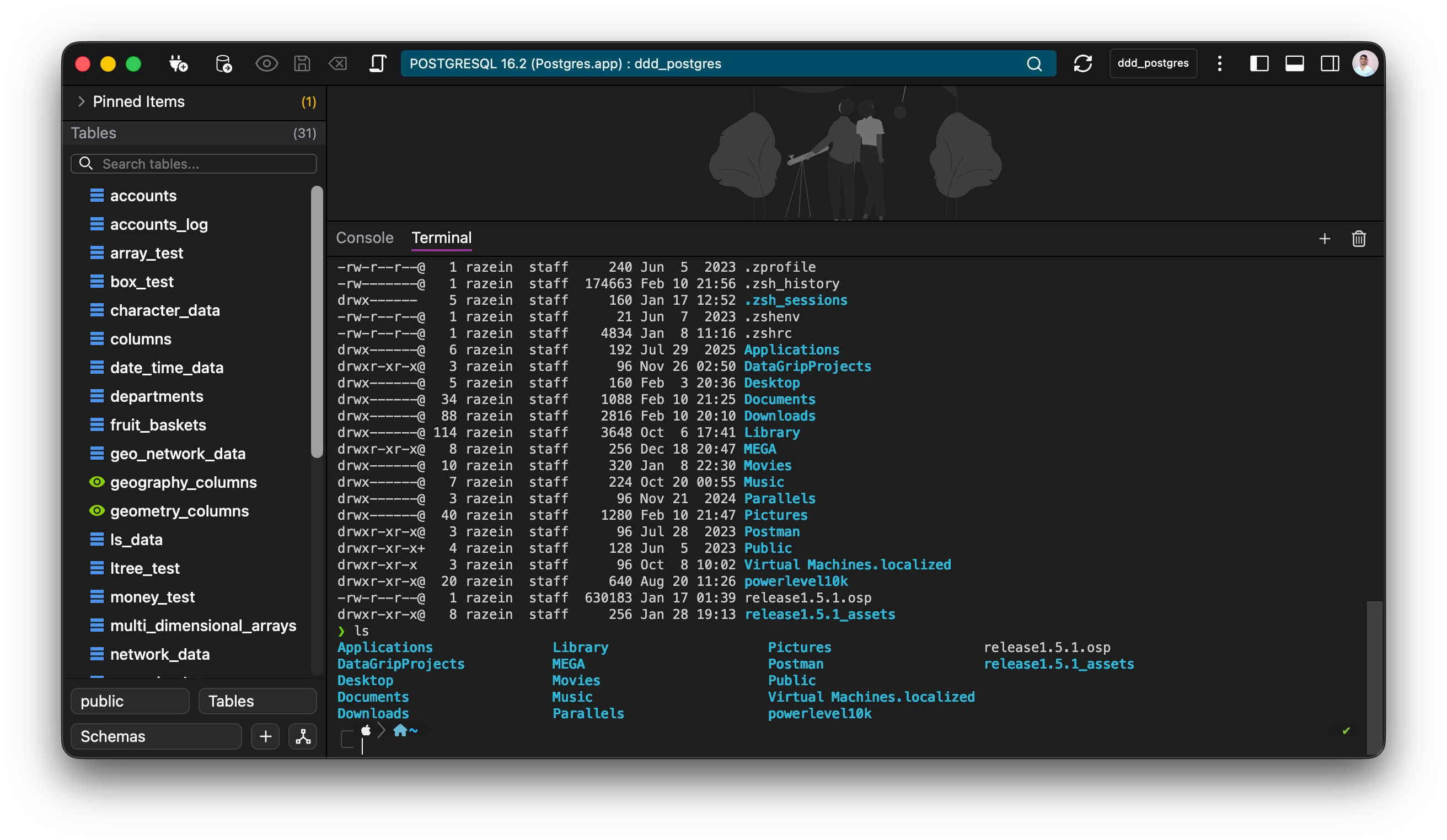
Use the app as a api server. Enable the api and get started.Connect to any database and query it using sql to get results in json.Enhance development times without writing your own api.Secure by default. Only DQL statements are allowed. Inbuilt teminal emulator
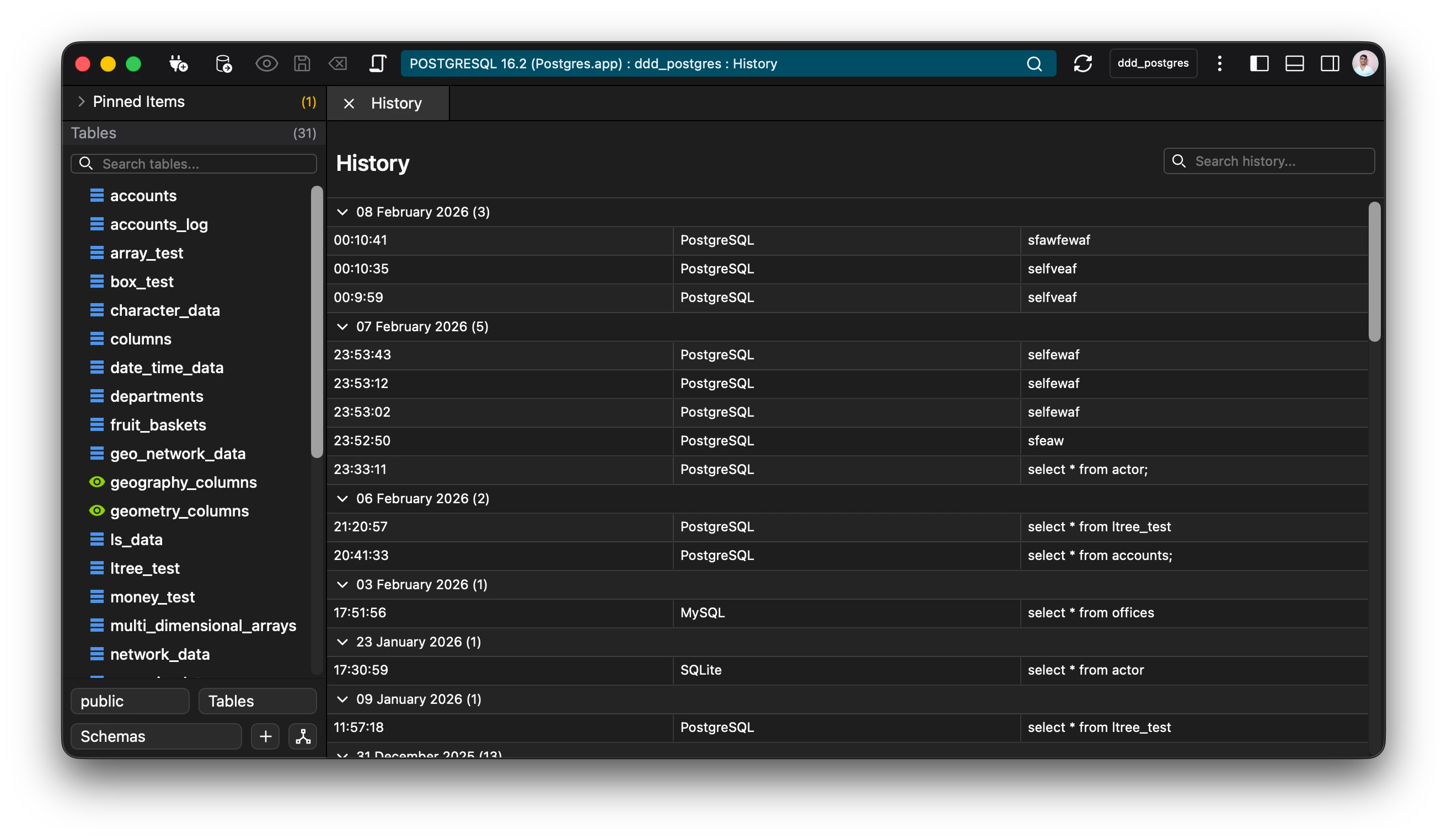
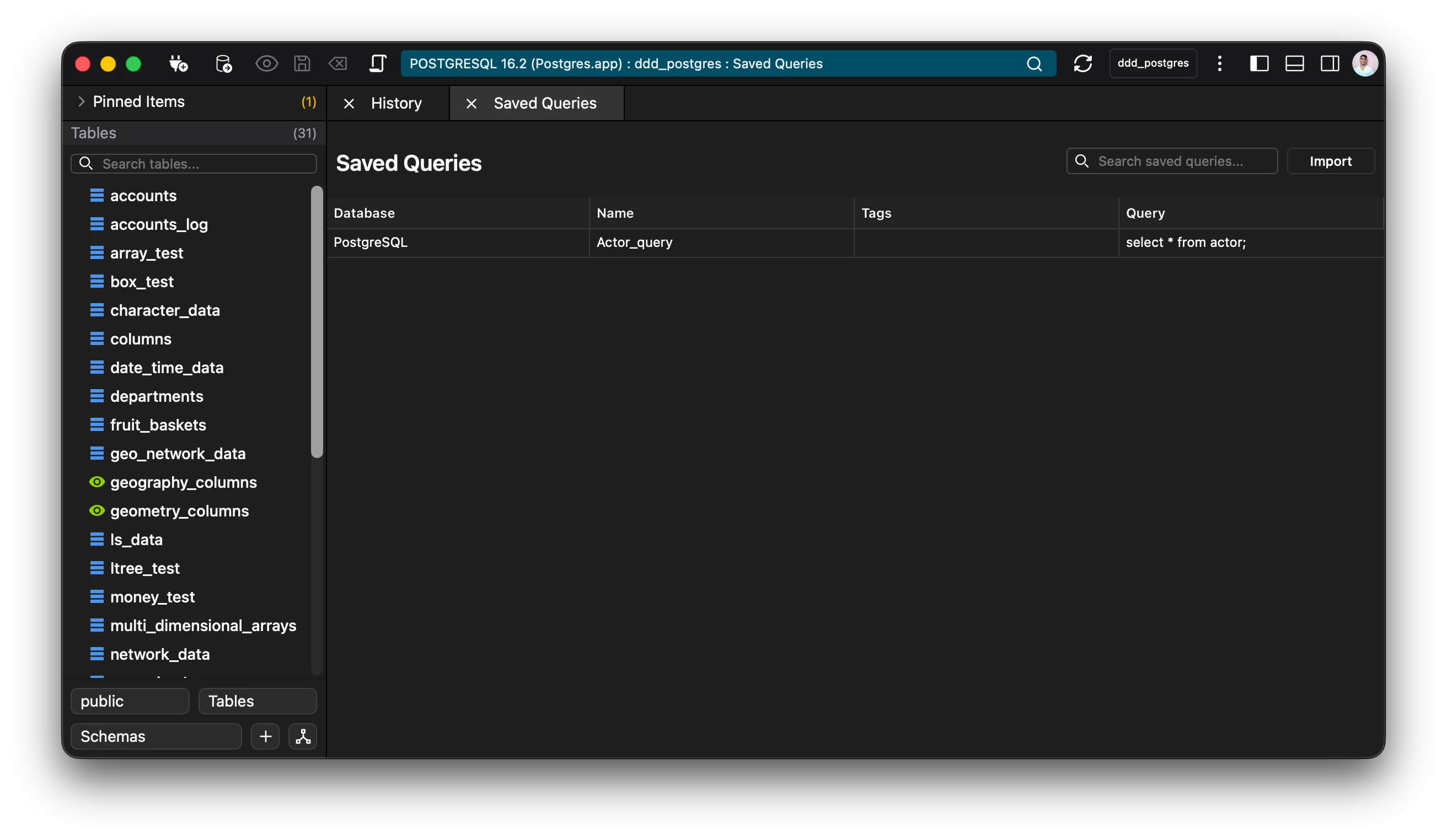
Run scripts and interact with the host system terminal using the inbuilt terminal emulator. Saved Queries and Query History
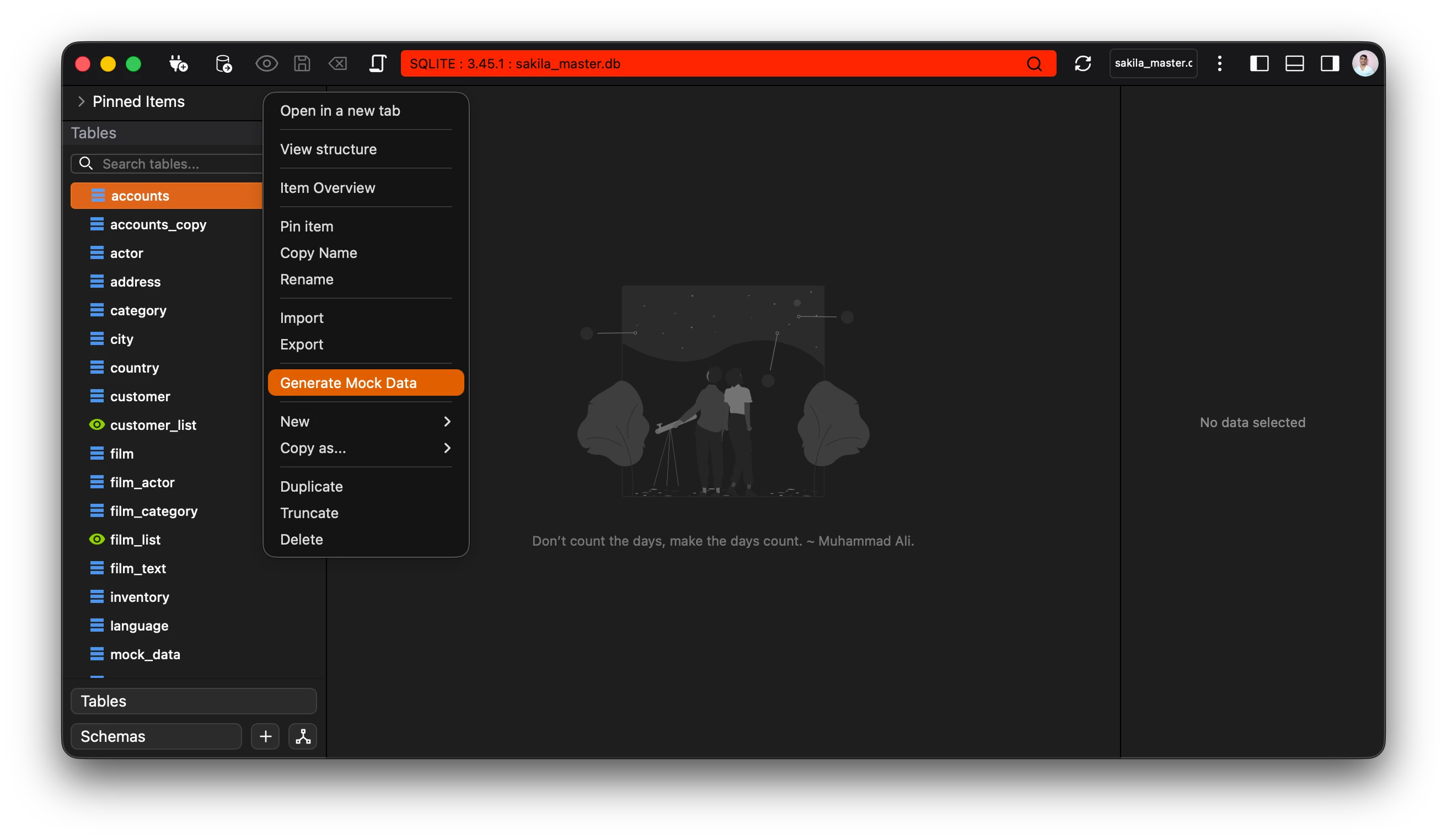
Save your favorite queries in the app to reuse later.All queries run are added to the history according to time and date.Search and manipulate queries from your history. Mock Data Generator
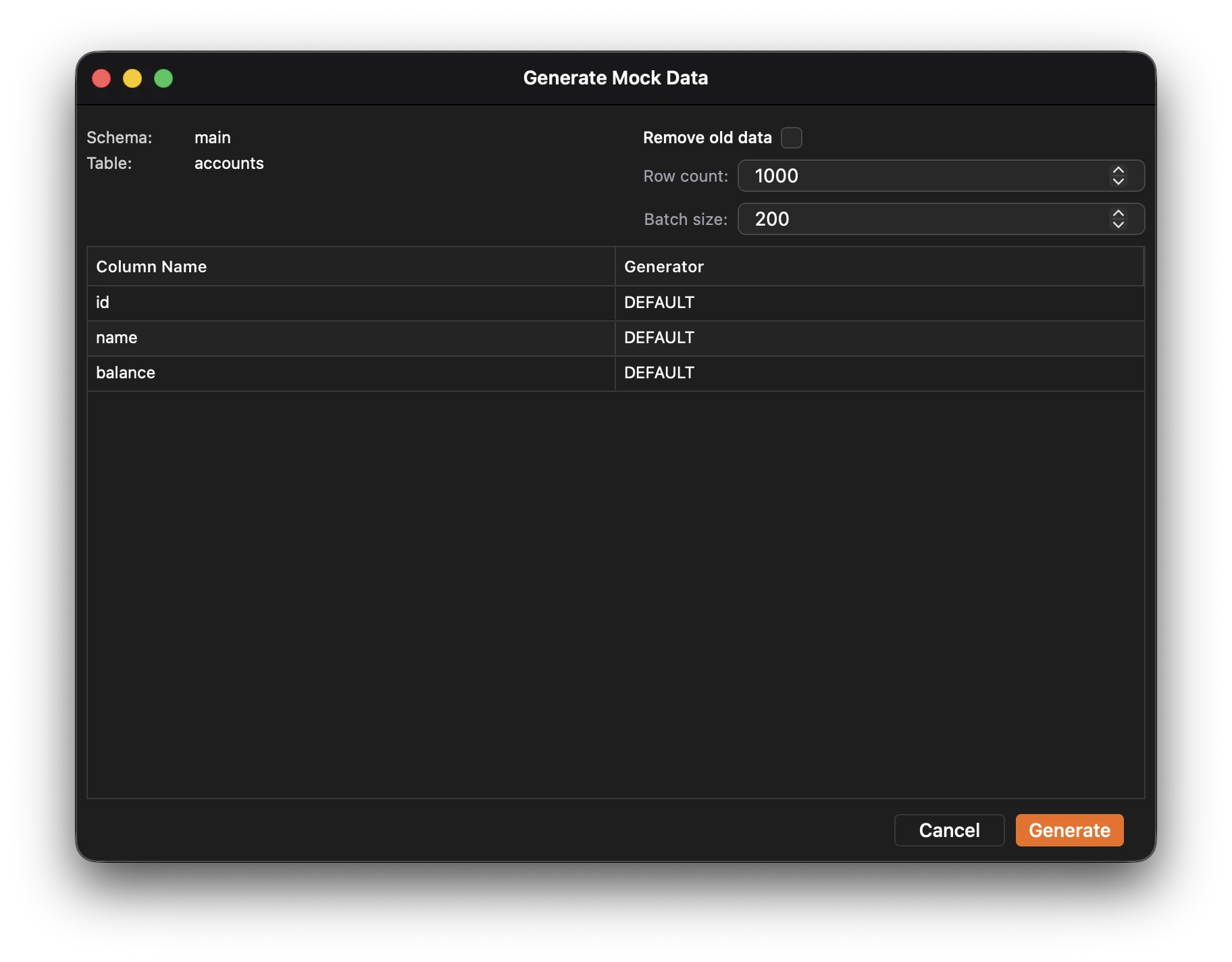
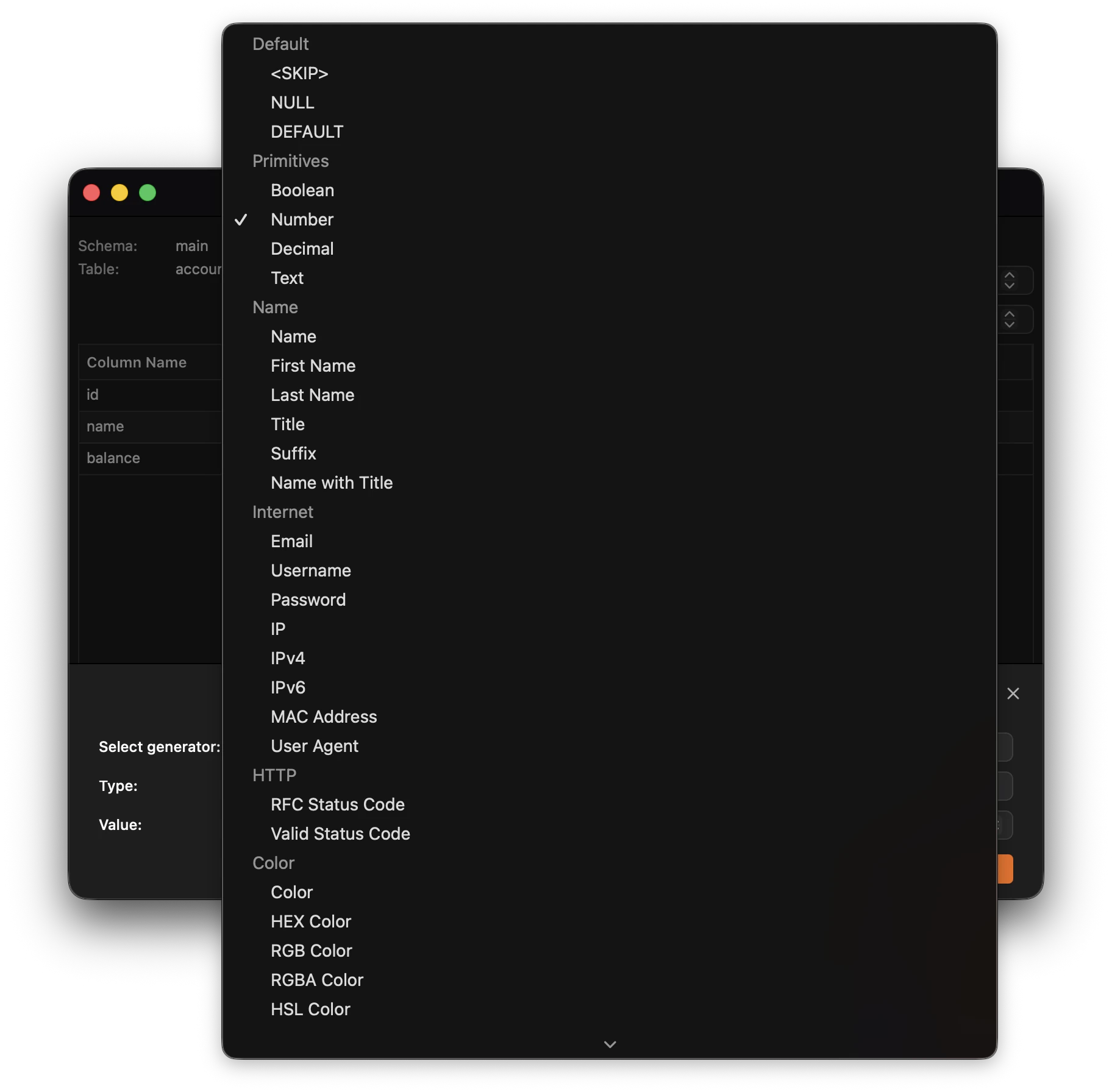
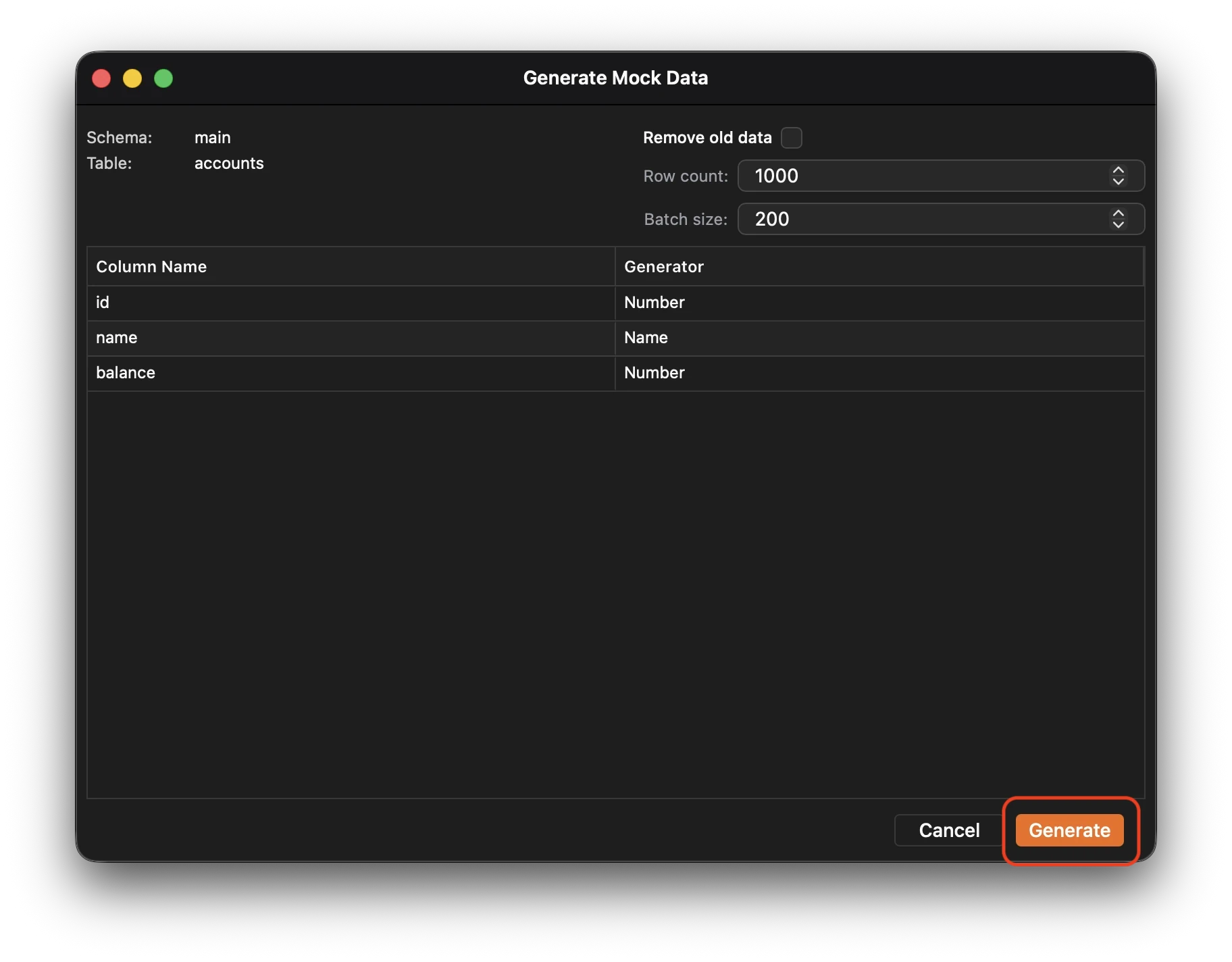
Generate realistic fake data for your database.Supports more than 50 different types of generators.Runs in parallel to your main database connection.