
Transfer Data
The transfer data feature allows you to tranfer tables and documents from one database to another directly. It automatically creates the necessary databases and schemas based upon the source. Data types are auto translated between databases to provide the most compatibility.
Backing up data is available either through the file menu or via the menu in the Toolbar > Databases > Transfer.
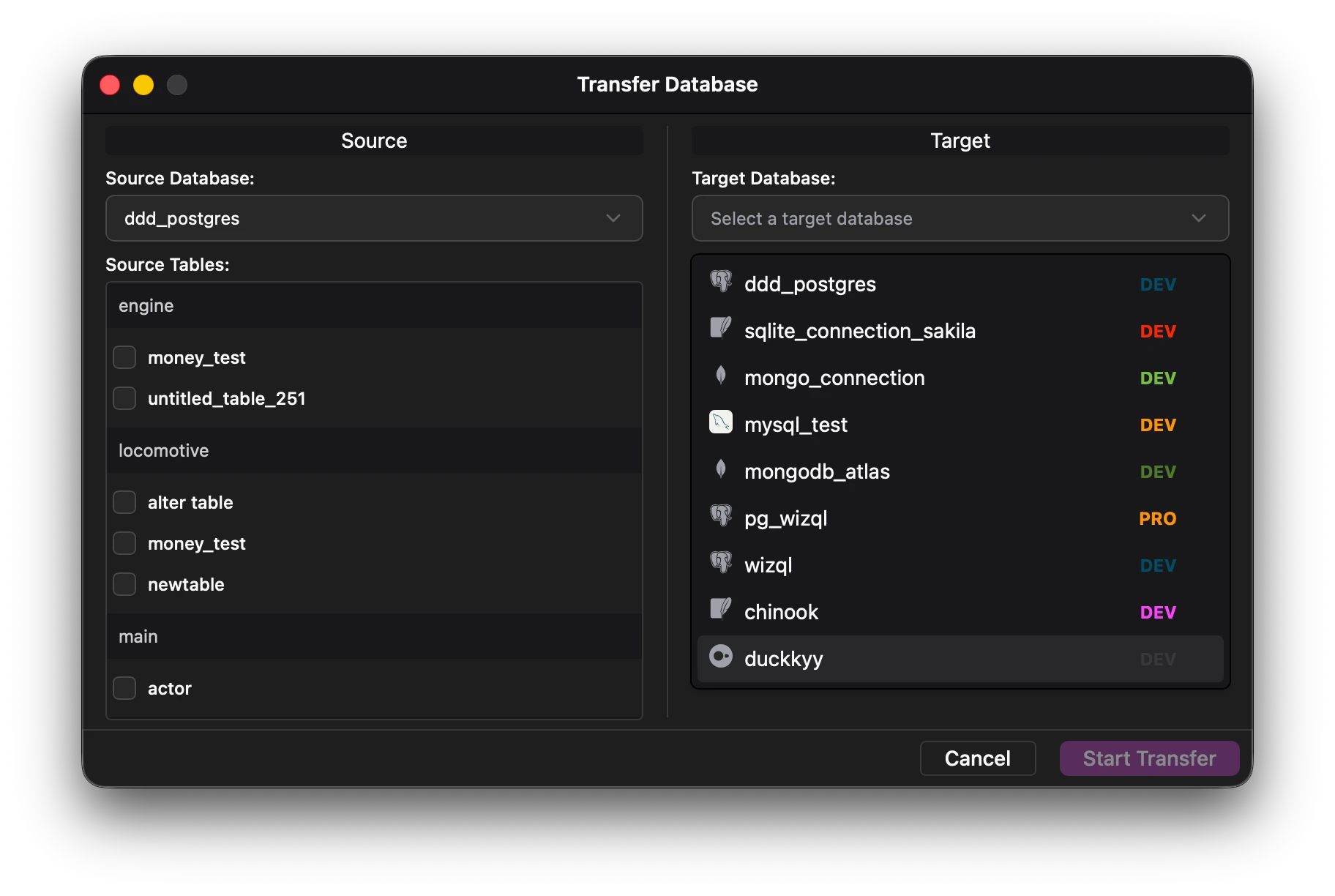
Source Database
The left side shows the source database. Select the source database from the dropdown menu and then select the tables that need to be transferred.
Target Database
Select the target database from the dropdown menu.
If the necessary tables have been selected, click start transfer to begin transferring.