Activate license
Activating the license can be done by clicking on the activate button on the first screen of the app. Note: Activating a the app requires a valid account and a copy of the app purchased from the website. If yoy have not purchased the app you can do so by visiting here.
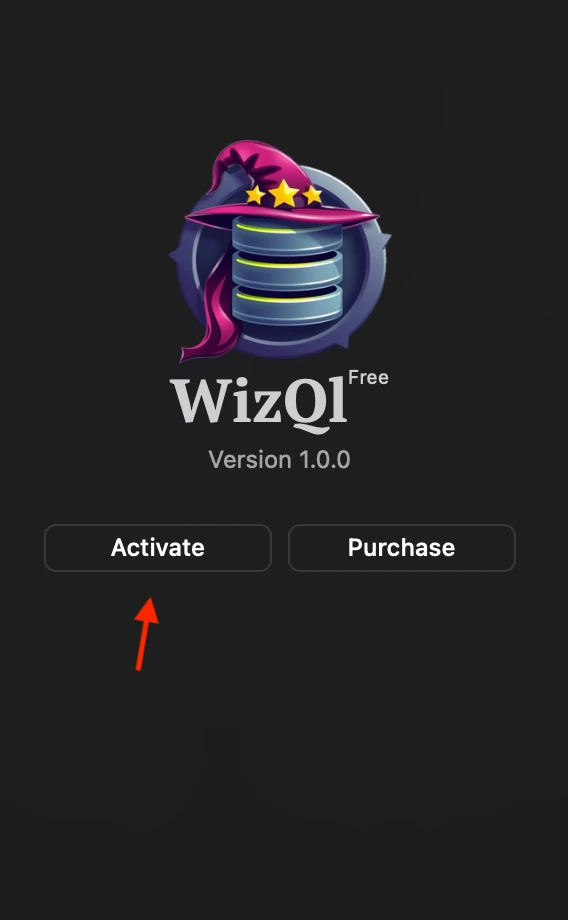
The activation will automatically open the authentication page and try to authenticate you, after which it will redirect you back to the app.
If no license you will get an alert that no license is found.
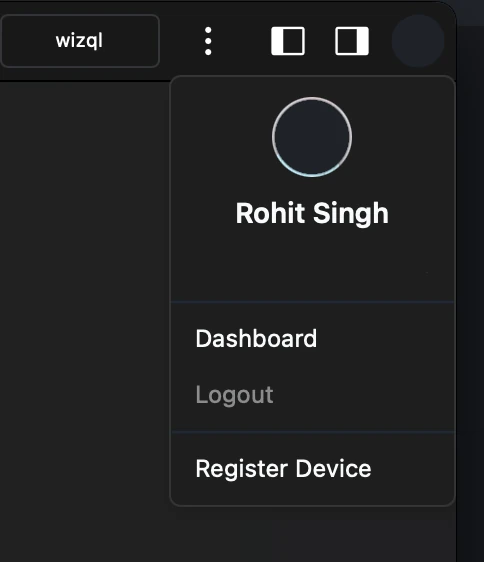
If you have purchased a license after activating, you can register the device via the the option which will allow you to use all the premium features of the app.
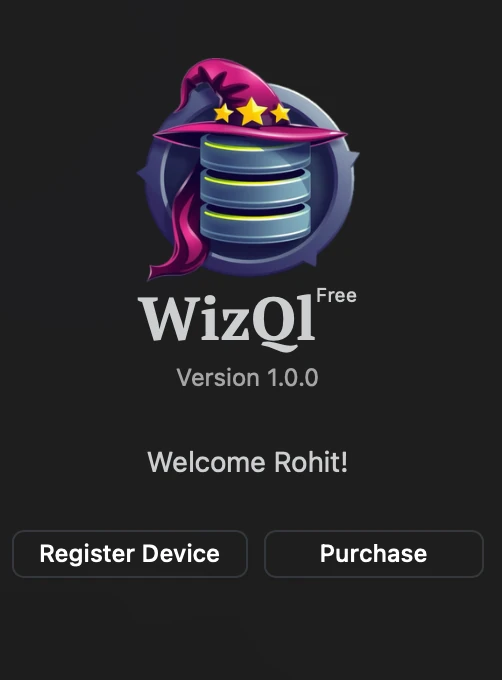
The free tag along with the purchase button will disappear after the device is registered.
NOTE: If you have already registered more devices than the licenses you have allow, then the current device will not be registered and you will have to de-register the device registered devices either via https://wizql.com/dashboard/devices or via the app. The option to de-register device in app exists in your account section available when you use the app.