
Entity Relationship Diagram
Entity Relationships diagram allows you to visualise your database. It shows you connections between tables and schemas.
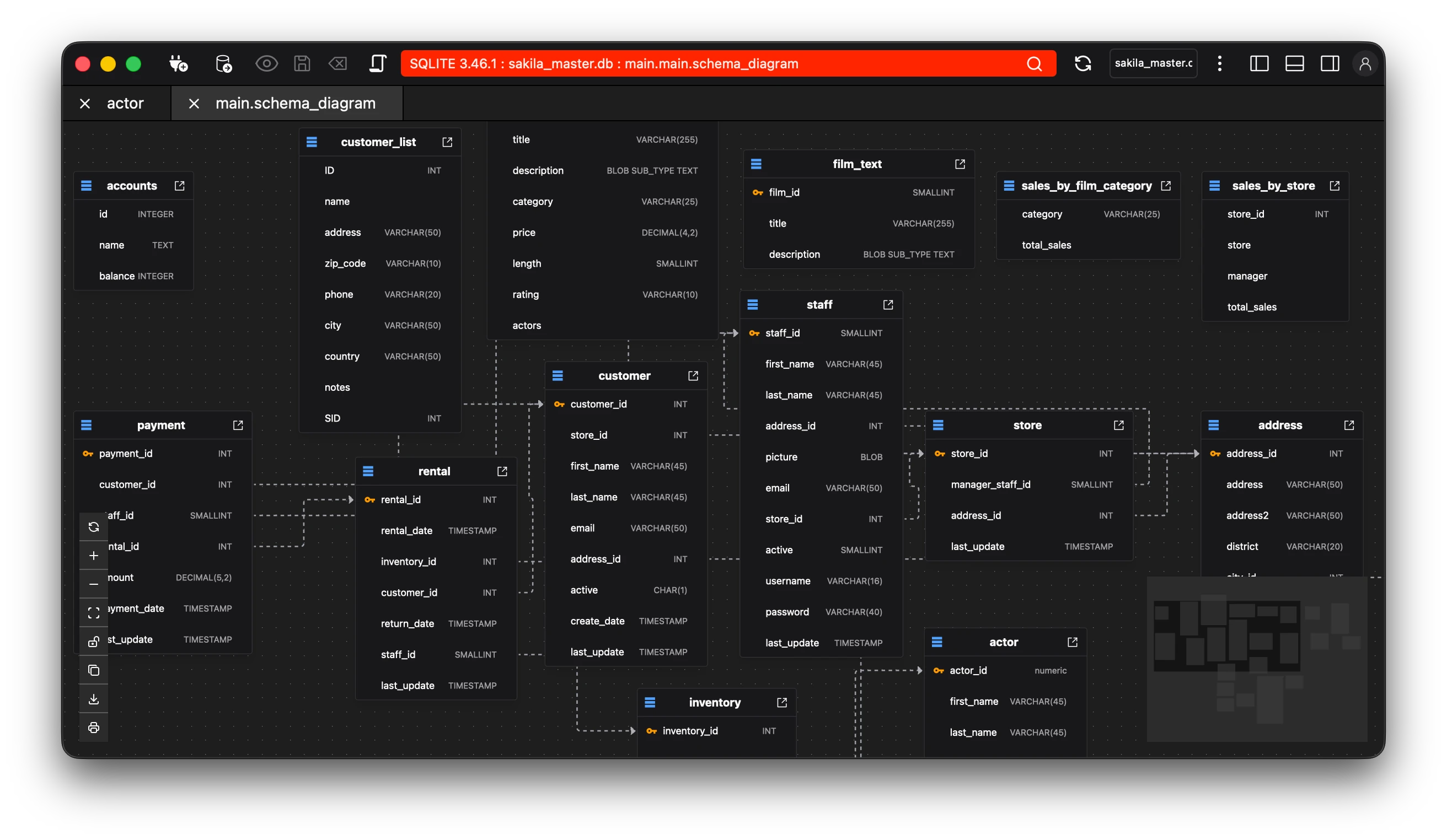
The ER-Diagram also has various features that are available to make the most out of your data.
The options for these are found at the bottom-left portion of the diagram.
- Refresh (Refresh your diagram)
- Zoom In, Zoom Out and Fit View.
- Lock the diagram.
- Copy the diagram as an image.
- Save the diagram as a png.
- Print the diagram.
On the right of the diagram is a minimap that is pannable and zoomable, allowing you to quickly navigate the diagram.
Selecting an entity automatically shows its details in the right pane without the need for zooming in to view the details.