
Manage Databases
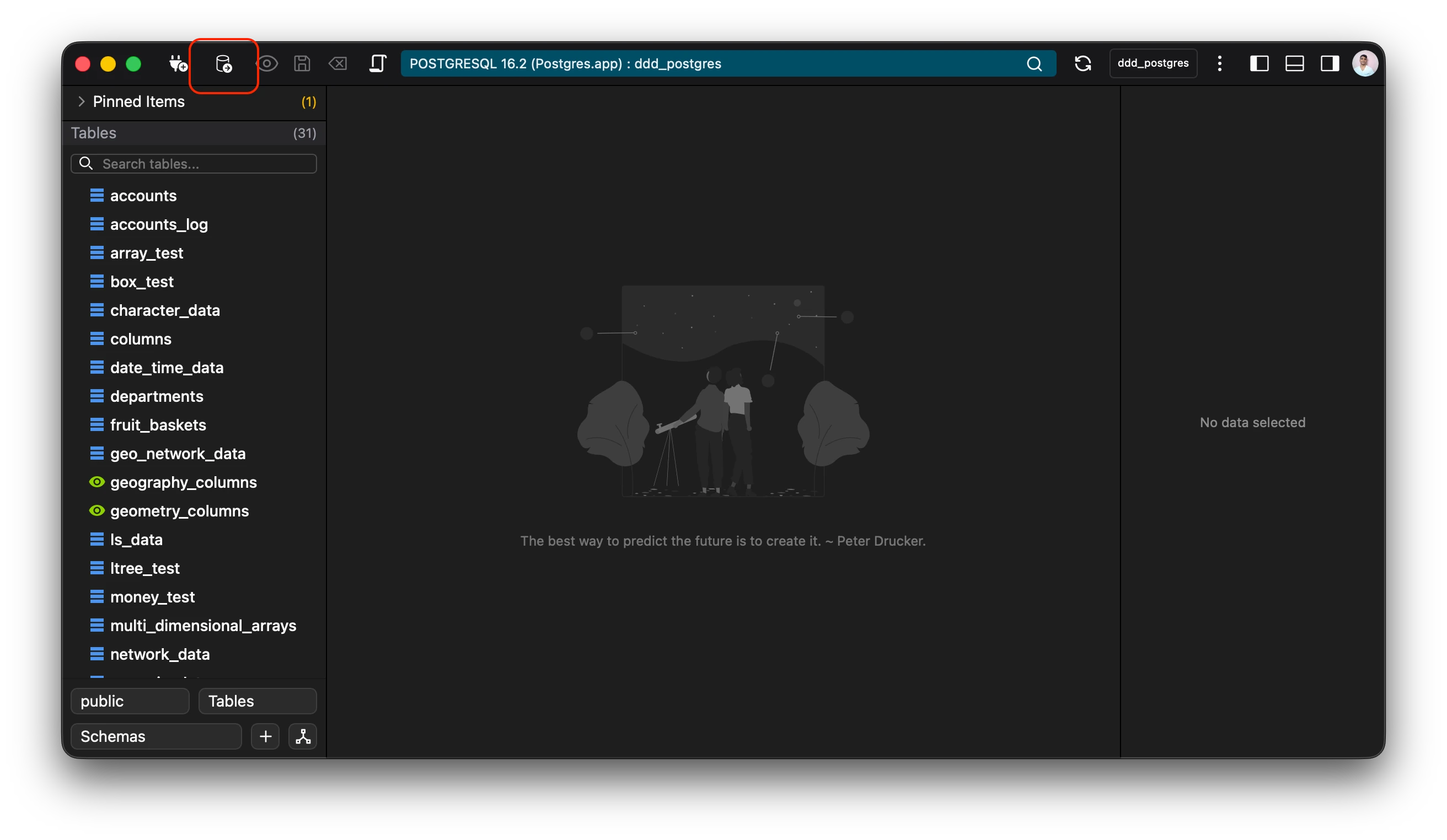
Databases can be managed via the option on the topbar.
Keyboard Shortcut: Ctrl+K (Windows/Linux) or Cmd+k (Mac)
Selecting the option opens a database selection window where all the databases can be managed.
The database window provides the following options:
- Open
- Create
- Rename
- Delete
Open Database
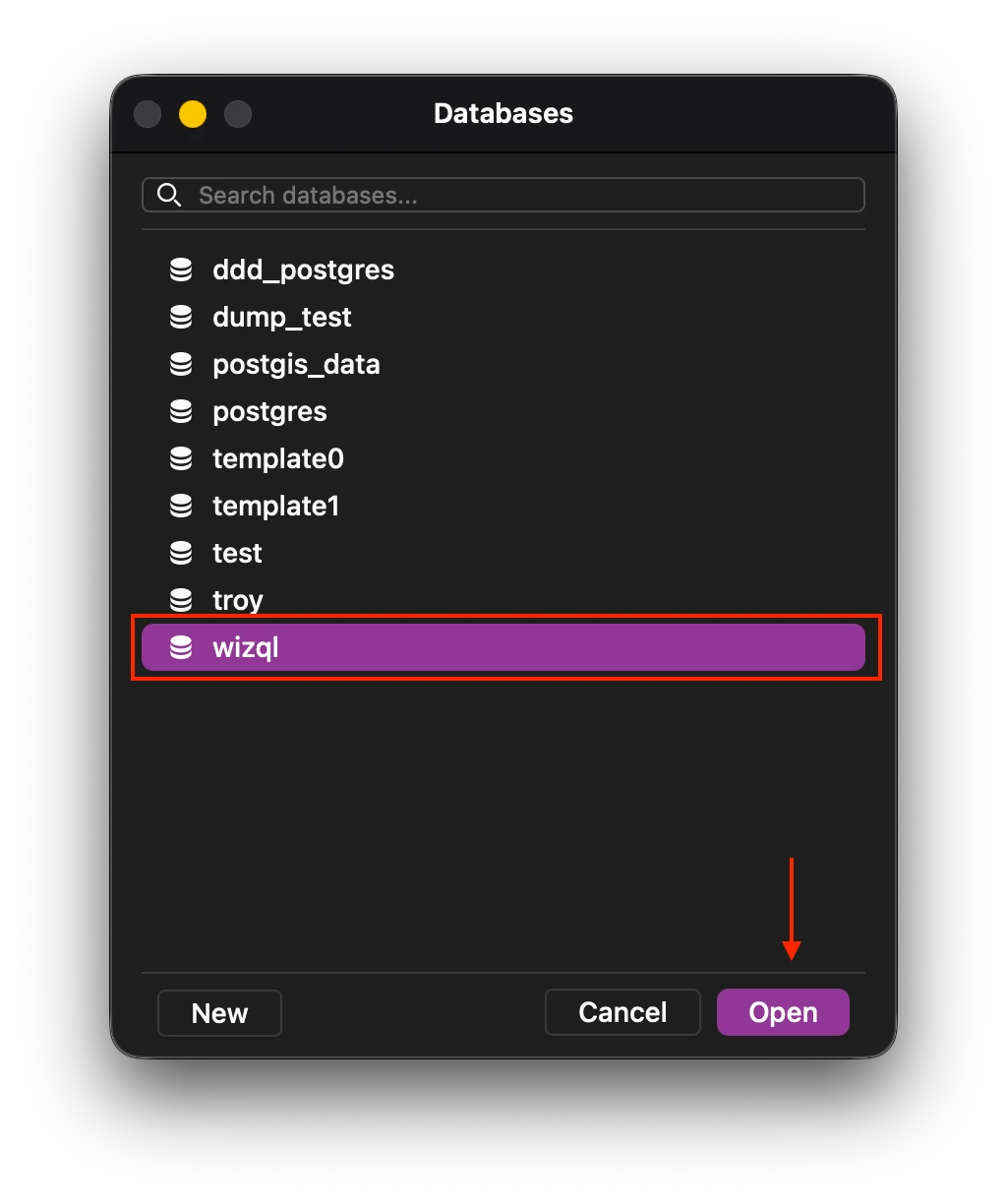
Selecting the database and clicking open, opens the database in the as a seperate connection.
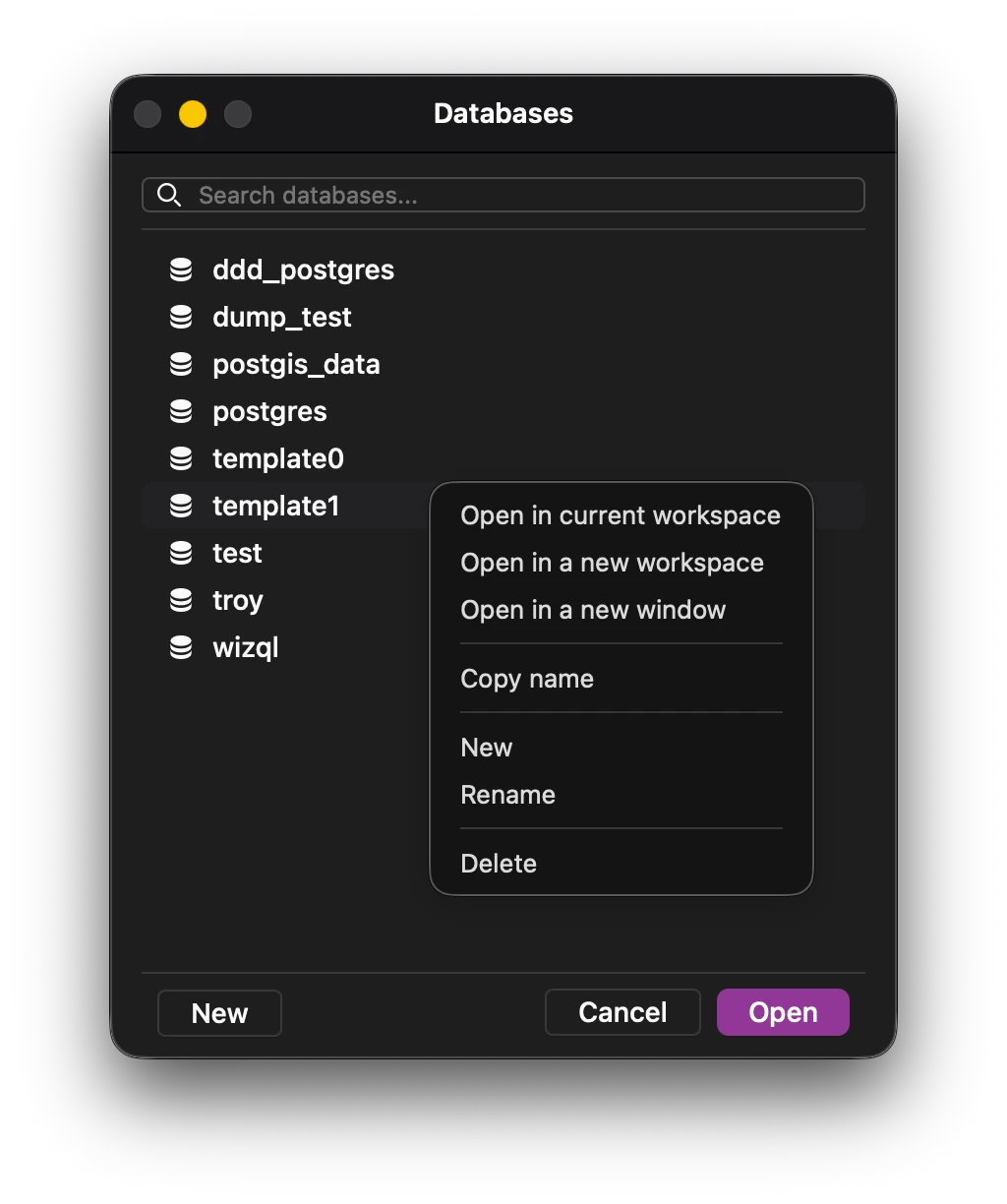
There are options to open the database in the current workspace itself, replacing the currently opened workspace, or opening it in a seperate window. Both of these options are available via the context menu.
Create Database
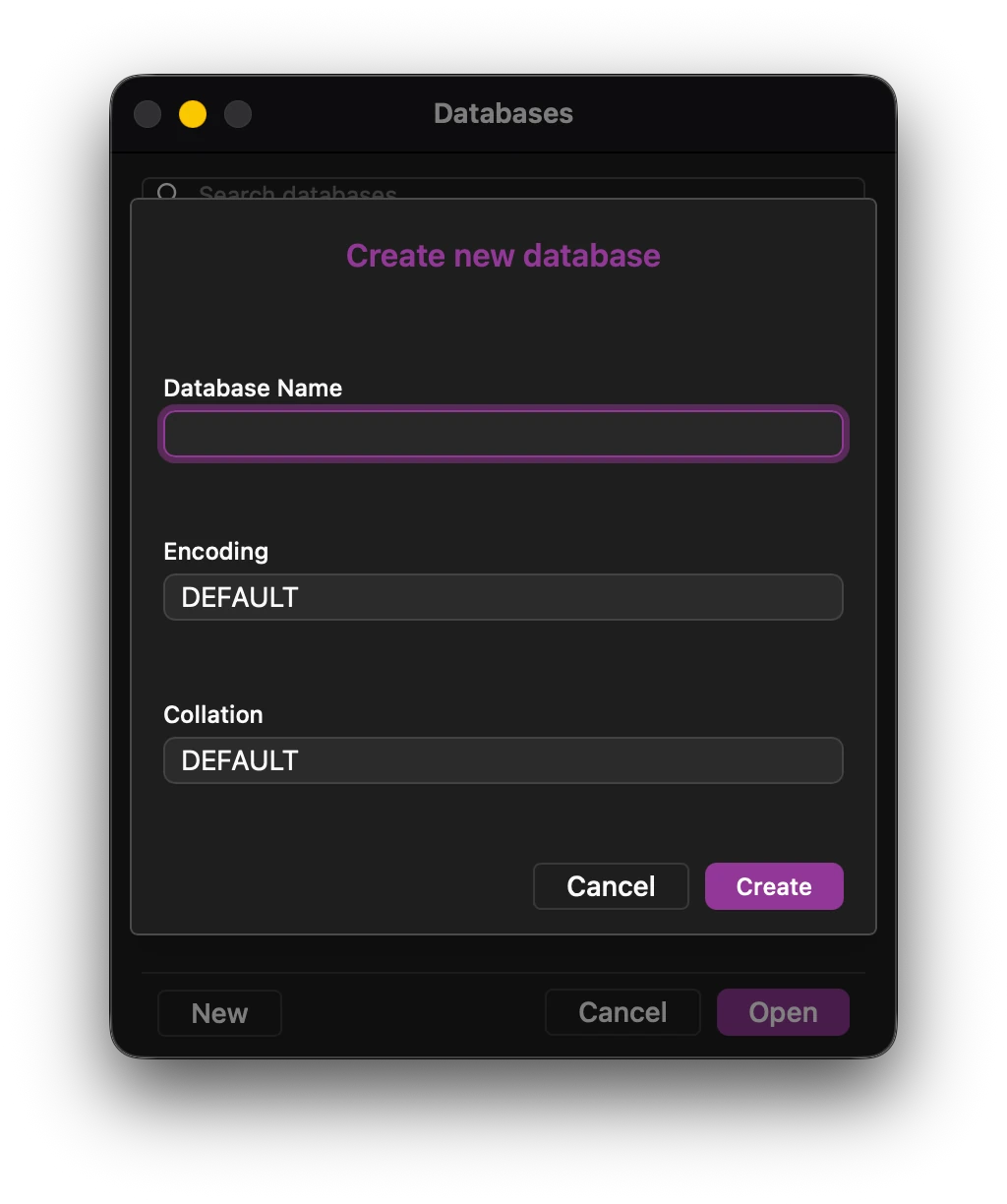
On clicking new, a new database form opens up with the following options:
- Database Name - Name of the new database.
- Encoding - Encoding in PostgreSQL determines how character data is stored in the database. It defines the mapping between characters and their binary representations. (It is recommended to leave it at default if you do not need a specific encoding.)
- Collation - Collation determines how string values are compared and sorted. It affects operations like ORDER BY, pattern matching, and indexes on text columns. (Recommended to leave at default.)
Rename Database
A database can be renamed by selecting rename from the context menu of the specific database.
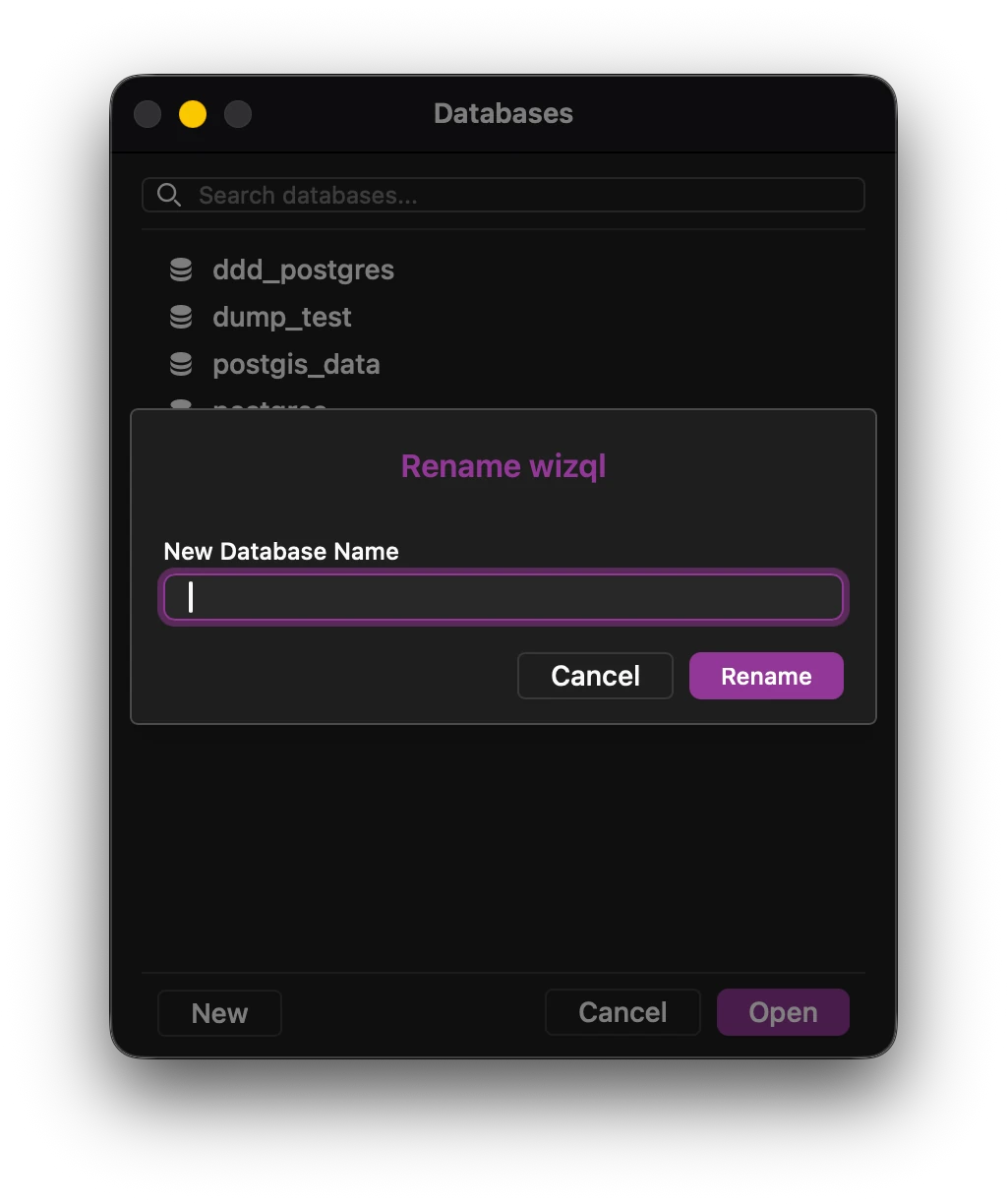
Note: Renaming a database may temporarily render it inaccesible.
Delete Database
Deleting a database is simple as selecting it and selecting delete from the context menu.
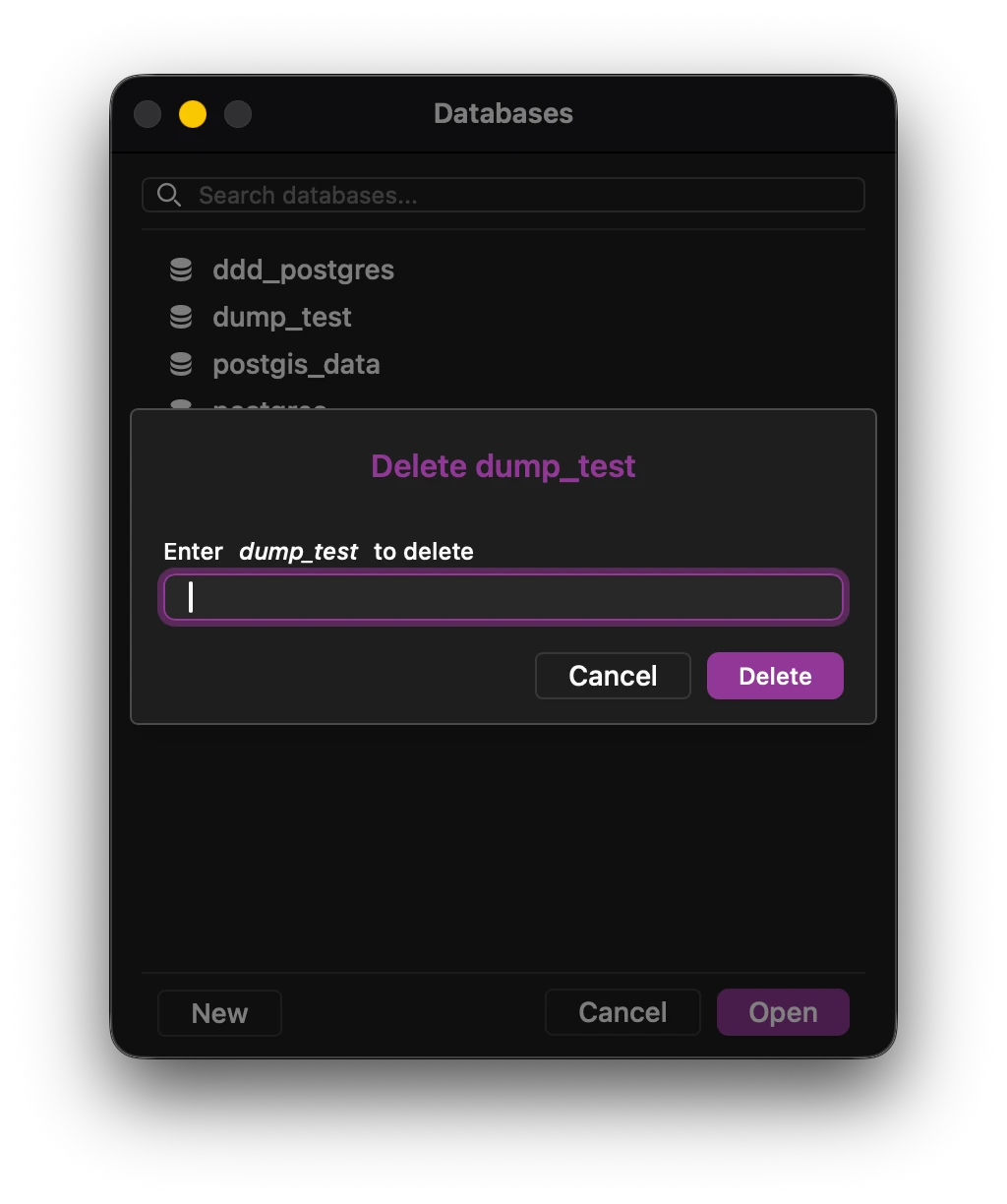
Note: There is an extra step for deleting databases as it is a risky venture.