
Command Center
The Command Center is the applications central hub for quick navigation and powerful command execution. Similar to VS Code’s Command Palette, it provides instant access to all application features through a unified, searchable interface.
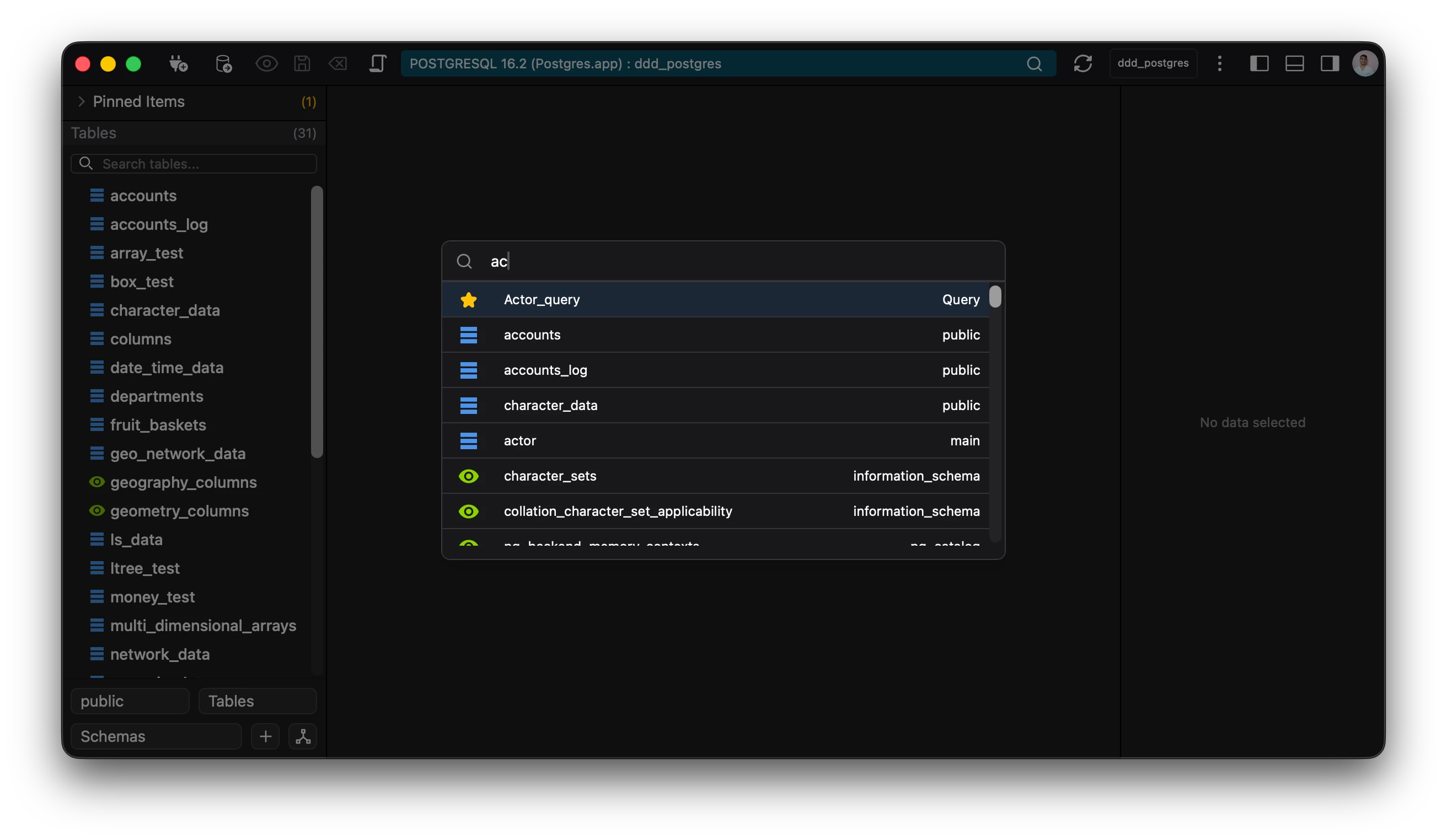
Accessing the Command Center
Keyboard Shortcut: Ctrl+P (Windows/Linux) or Cmd+P (Mac) Menu: Navigate to View → Command Center
Quick Access: Click the search icon in the top navigation bar
Core Features
- Universal Search Type any command, feature name, or action to instantly find what you need. The intelligent search algorithm understands partial matches and synonyms, making discovery effortless.
The command center searches through tables, functions, views.