
Code Review
The application allows you to preview the code before committing it on the server. This prevents data loss and misconfigured settings.

The eye icon represents Preview. The floppy disk represents Save. The back icon with x represents Discard.
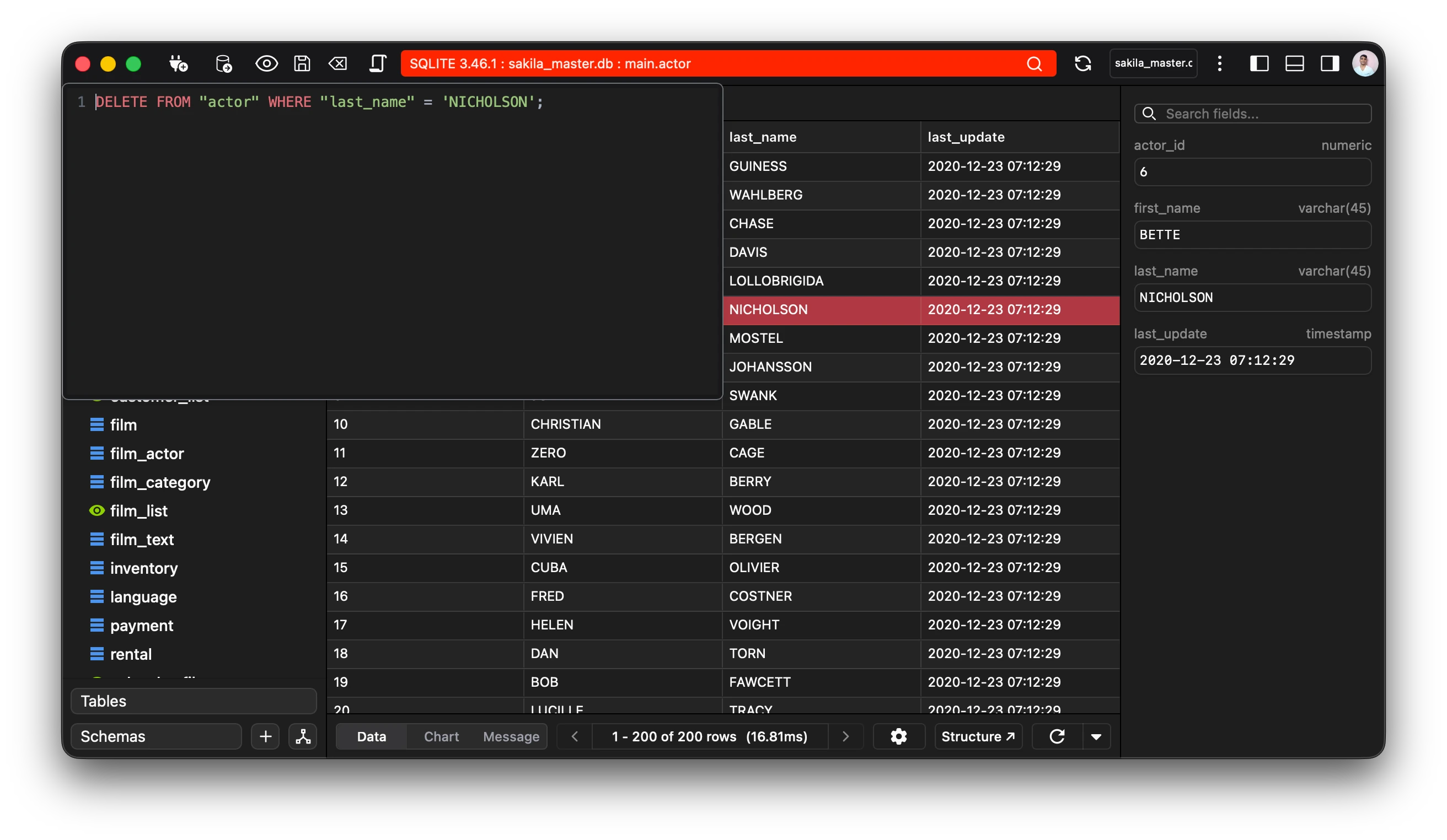
Preview
You can preview the statements pending commit via the preview button available on the top left corner.
Keyboard Shortcut: Ctrl+Shift+P (Windows/Linux) or Cmd+Shift+P (Mac)
Commit
The commit button commits all the pending statements in the current connection. This means that once it is committed it cannot be undone.
Keyboard Shortcut: Ctrl+Shift+S (Windows/Linux) or Cmd+Shift+S (Mac)
Discard
The discard button discards all the changes across the current connection. This means that all the pending sql statements will be deleted and any changes undone.
Keyboard Shortcut: Ctrl+Shift+Delete (Windows/Linux) or Cmd+Shift+Delete (Mac).